TV Fault Diagnosis Guide — Common Problems & How to Fix Them
A TV that stops working doesn’t always need to be thrown away. Most faults come down to one failed component — a board, a strip of LEDs, or a capacitor. This guide walks you through the most common TV faults, how to identify which part has failed, and what tools you need to do the job.
Tools You Will Need
Before opening any TV, gather these tools:
| Tool | Purpose | Approx. Cost |
|---|---|---|
| Phillips screwdriver PH2 | Removing back cover screws | €3–€8 |
| Plastic pry tool / spudger | Opening clips without scratching | €3–€6 |
| Torch / flashlight | Backlight test (torch test) | Any torch |
| Multimeter | Testing voltages on boards | €10–€30 |
| Anti-static wrist strap | Protecting boards from static | €3–€8 |
| Magnetic parts tray | Keeping screws organised | €3–€6 |
| Phone or camera | Photographing connectors before removal | Free |
Safety First
- Always unplug the TV from the mains before opening it.
- Wait 5 minutes before touching internal components — capacitors hold charge.
- Work on a clean, dry, non-conductive surface.
- Never touch the main capacitors on the power supply board.
1. 🖤 Black Screen (No Picture)
Symptoms:
- TV appears to power on (standby light visible, sound may work)
- Screen remains completely black
- No picture on any input
How to find the fault:
Torch test: In a darkened room, shine a torch at the screen at an angle. If you can faintly see a picture, the backlight has failed — not the main board or T-CON.
| Torch Test Result | Likely Fault | Part to Replace |
|---|---|---|
| Faint picture visible | Backlight failure | LED backlight strips |
| No faint picture, sound works | Main board or T-CON | Main board / T-CON board |
| No picture, no sound, standby light on | Power supply | Power supply board |
| Clicks repeatedly | Power supply overloaded | Power supply board |
2. ⚡ TV Won’t Turn On
Symptoms: No standby light, no response to remote or power button, completely dead.
How to find the fault:
- Try a different power cable and wall socket.
- Open the TV and inspect the power supply board for bulging capacitors or burn marks.
- With a multimeter, check the fuse on the power supply board — should read near 0 ohms.
Why it happens: Blown mains fuse, failed capacitors, short circuit on main board.
Solution: Replace blown fuse, replace power supply board if capacitors are bulging.
3. 📺 Half Screen Dark / Lines on Screen
Symptoms: One half of the screen is darker, horizontal or vertical lines across the display.
| Symptom | Likely Cause | Fix |
|---|---|---|
| Top half dark, bottom half fine | T-CON board | Replace T-CON board |
| Vertical lines | T-CON or ribbon cable | Reseat cable, replace T-CON |
| Horizontal lines | Panel driver or ribbon | Reseat ribbon, replace T-CON |
| Lines shift when you press panel | Loose ribbon | Reseat or replace ribbon cable |
4. 🔊 No Sound
Symptoms: Picture works normally, no audio on any input.
How to find the fault: Test with headphones — if external audio works, internal speakers are at fault. Try factory reset first.
Solution: Factory reset → reseat speaker connectors → replace speakers → replace main board.
5. 🌡️ TV Turns Off by Itself
Symptoms: TV switches off after a few minutes, standby light may flash a fault code.
How to find the fault: Count standby light flashes — manufacturers use flash codes to indicate fault type. Check ventilation slots are not blocked.
Solution: Check sleep timer → clean ventilation → replace power supply board.
6. 📡 No Signal / No Channels
Symptoms: “No Signal” message, aerial channels not found, HDMI works but aerial does not.
Solution: Replace aerial cable → clean aerial socket → replace main board if tuner is faulty.
7. 🌈 Wrong Colours
Symptoms: Strong colour tint (pink, green, blue), washed out colours.
Solution: Factory reset first → replace LVDS ribbon cable → replace T-CON board.
8. 📶 Wi-Fi Not Working
Symptoms: Cannot find Wi-Fi networks, Smart TV apps won’t load.
Solution: Factory reset → replace Wi-Fi board → use ethernet cable.
When Is a TV Not Worth Repairing?
Repair is usually worthwhile when:
- The TV is less than 10 years old
- The fault is a board (not the panel itself)
- The replacement part costs less than 40% of the TV’s current value
Repair is usually not worthwhile when the LCD/OLED panel is cracked or physically damaged.
At ElPartsBay we stock used, tested TV parts for all major brands — Samsung, LG, Sony, Panasonic, Hisense and more.
Need help diagnosing your TV? Visit our Repair Forum →
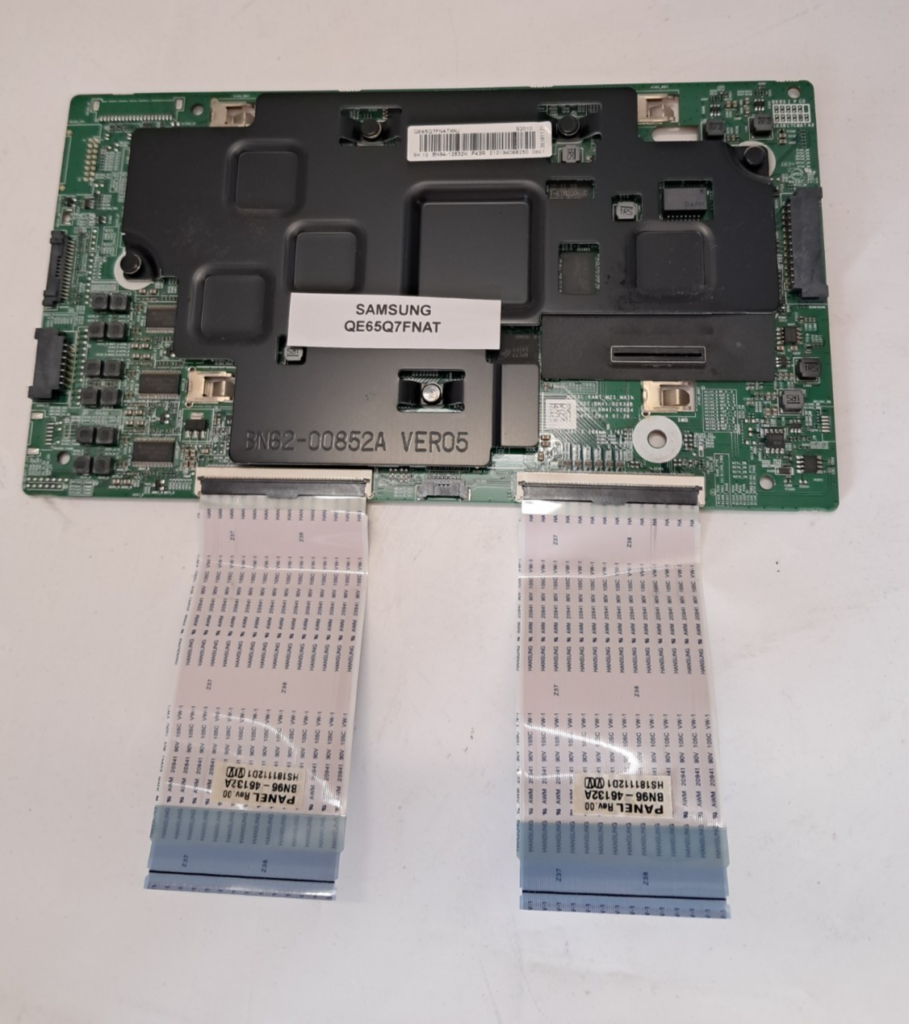
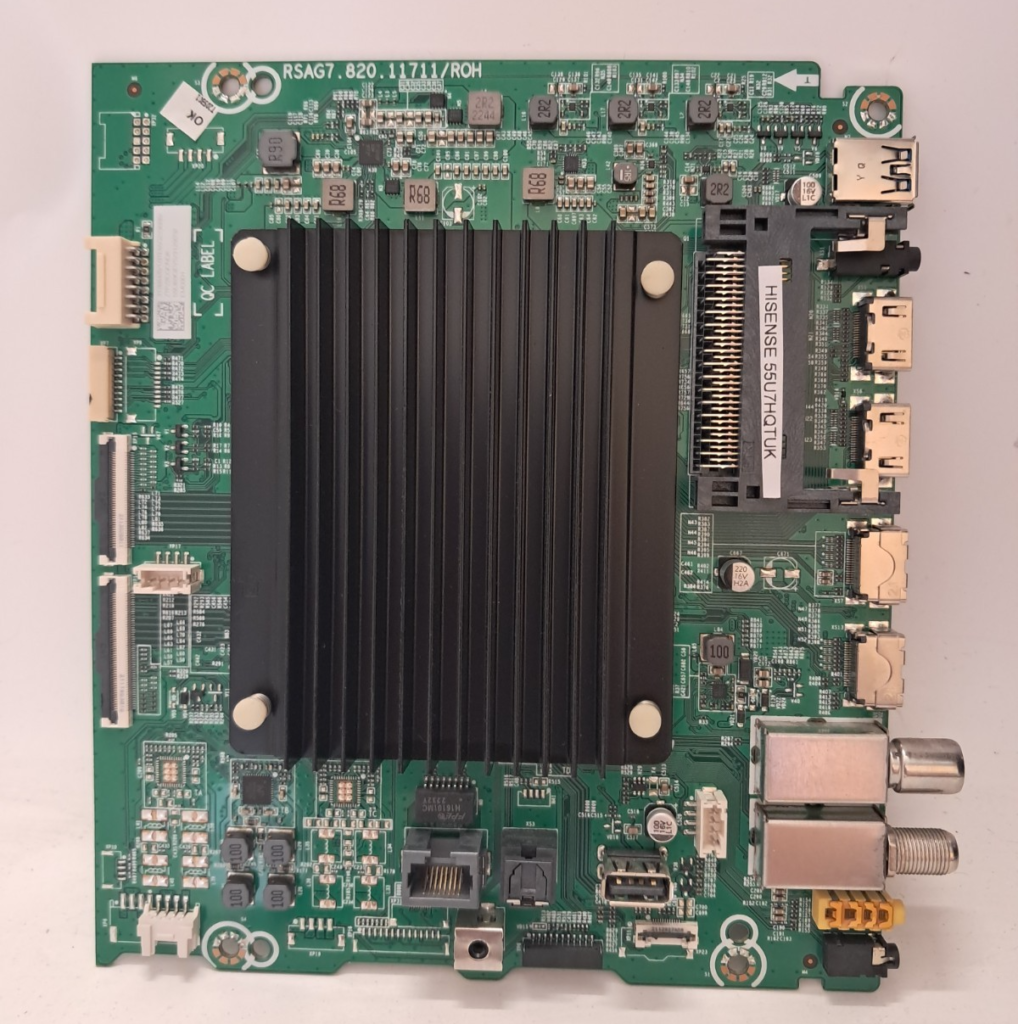
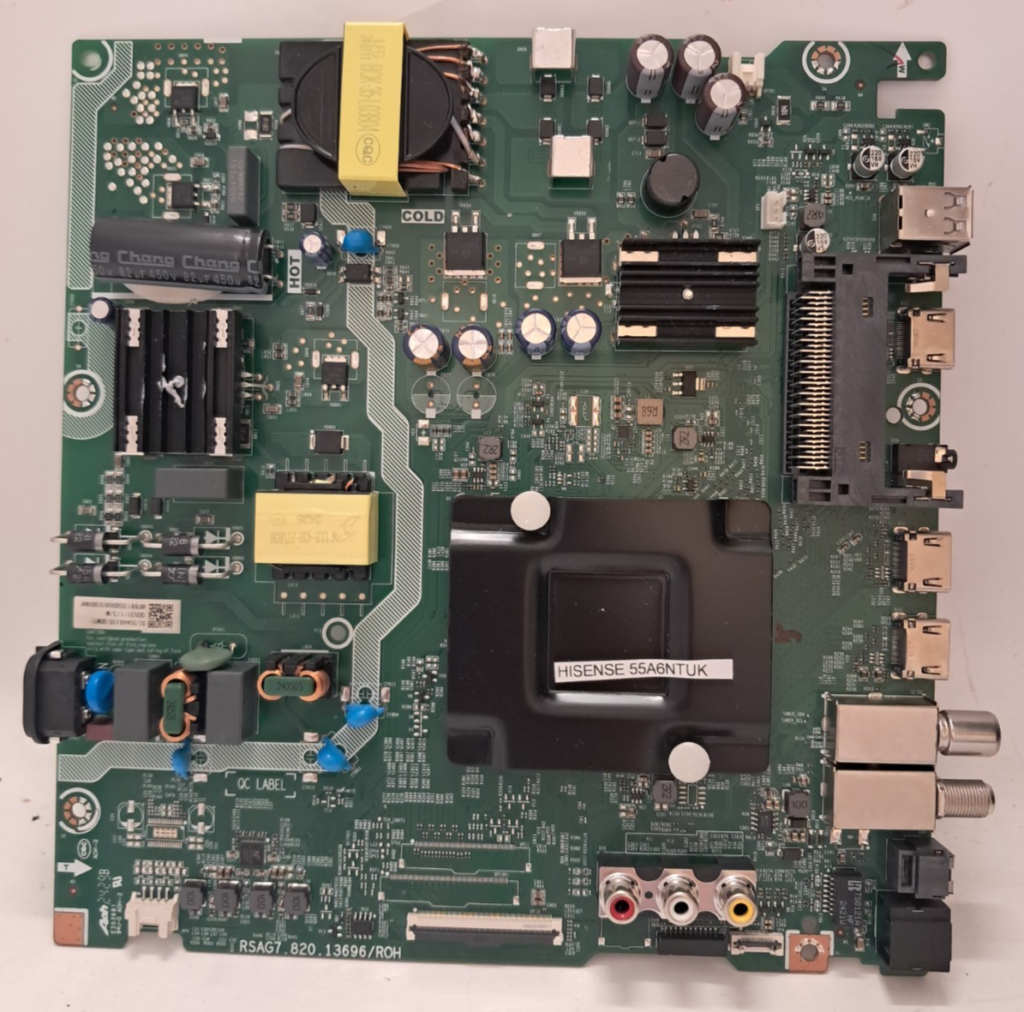
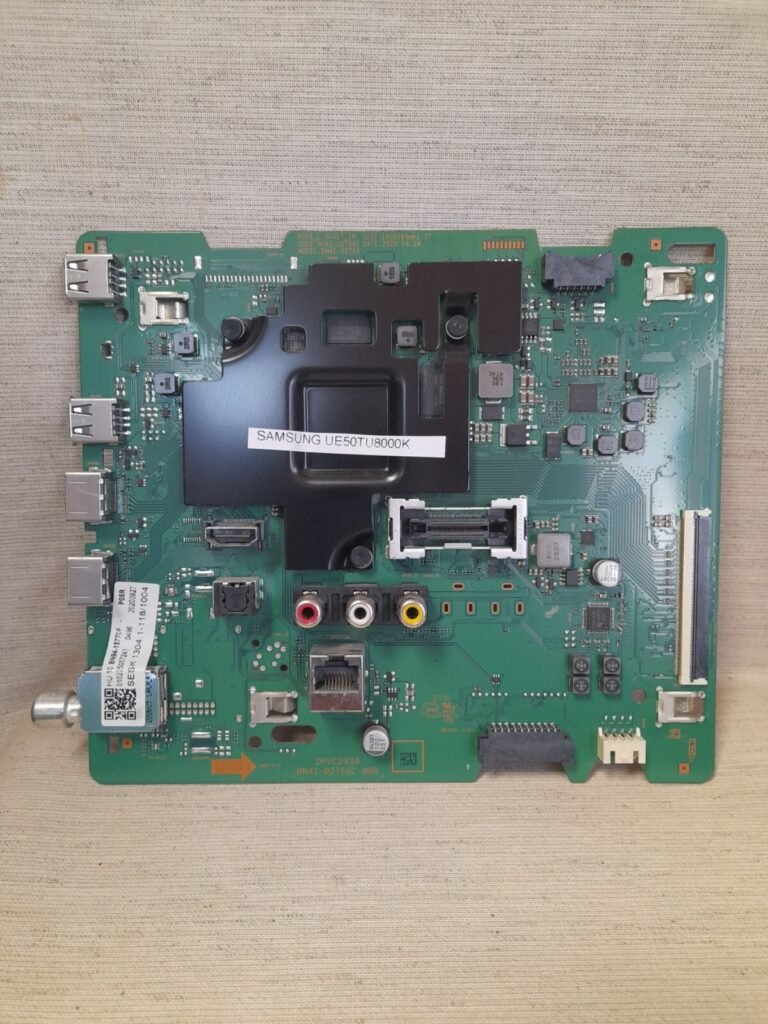
TV boards – tested and in stock
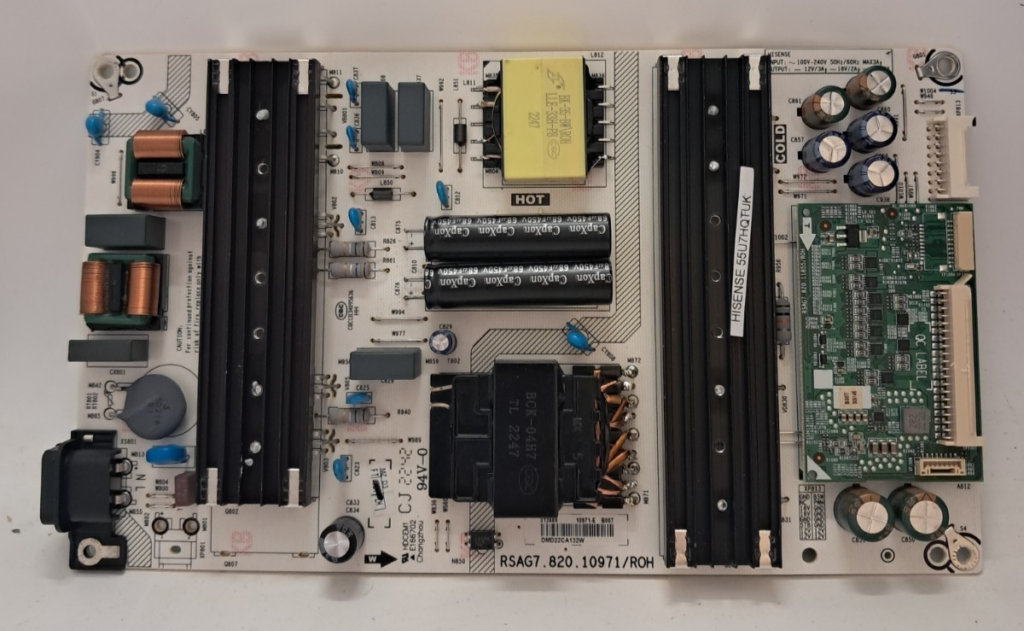
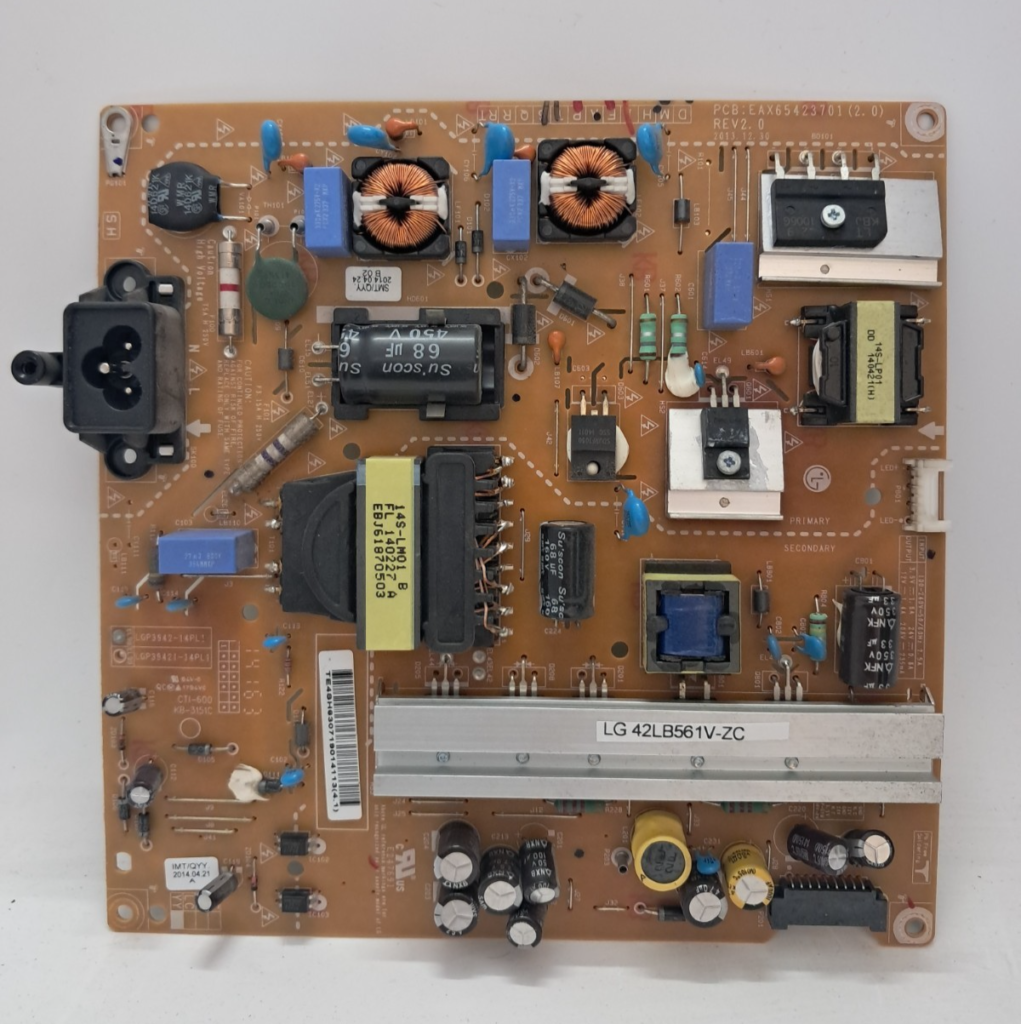
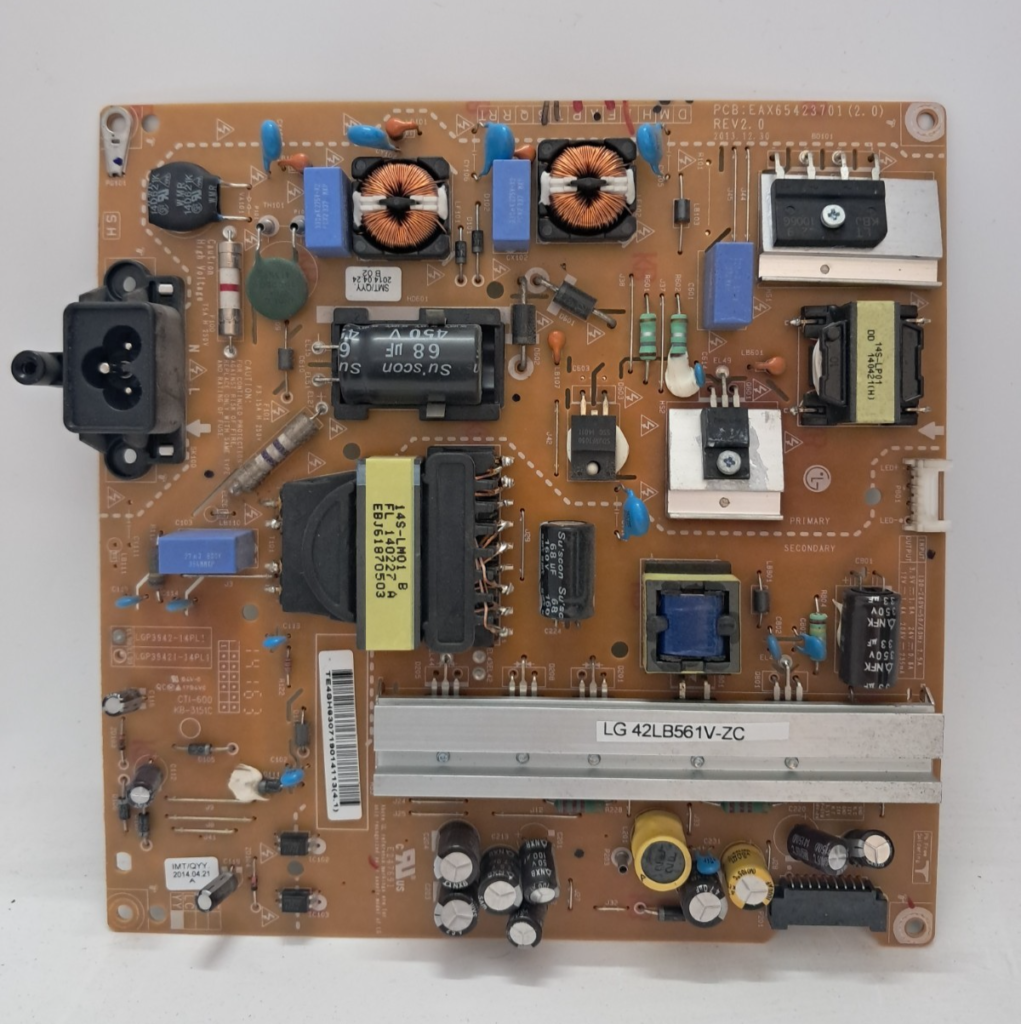
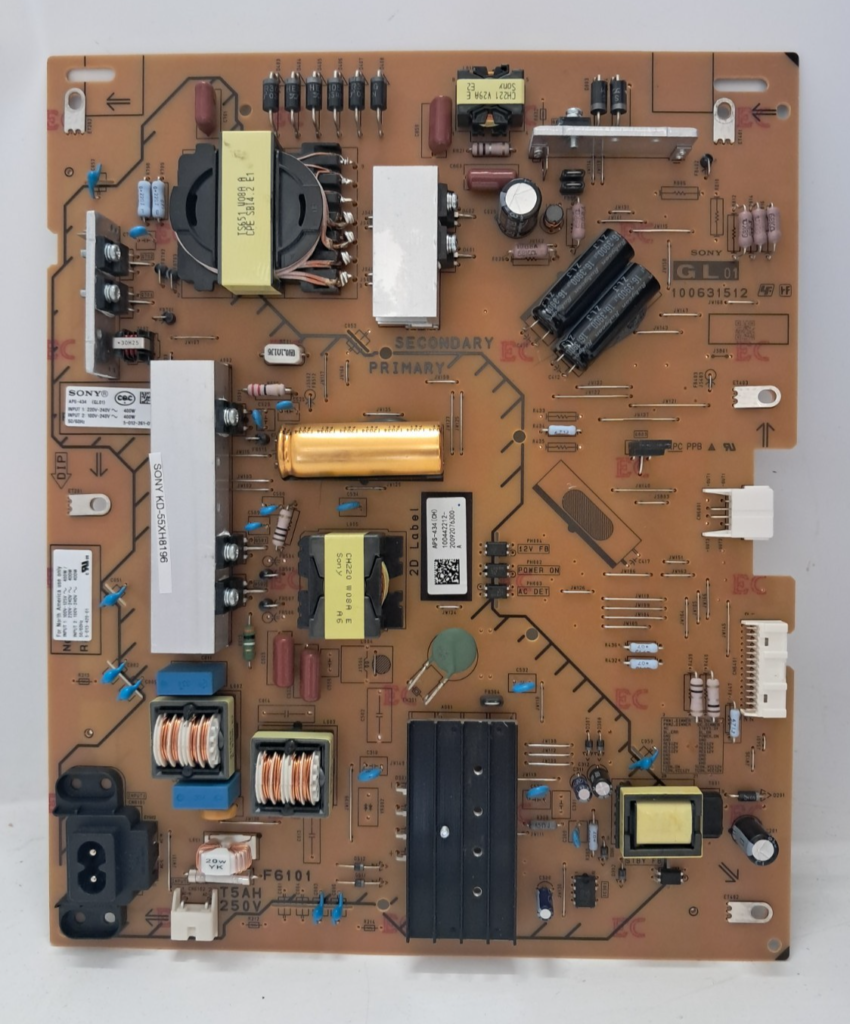
Every part below was tested in a working TV and comes with a 30-day working warranty. Match the part number printed on your old board before ordering.