
TV Sound But No Picture – How to Find the Faulty Part
The TV turns on, you can hear the sound, but the screen stays black. This is one of the most common TV faults, and in most cases it is repairable. A few simple checks will tell you whether the backlight, the T-Con, the cables or the main board is to blame.
Step 1 — Rule Out Settings and Sources
- Press the Home or Menu button. If the on-screen menu appears, the TV is fine and the problem is the input — try another HDMI port, cable or source.
- Some TVs have a “picture off” or “screen off” mode for listening to music. Press any button on the remote, or check the power-saving settings.
- Unplug the TV for 60 seconds and try again with all external devices disconnected.
Step 2 — The Torch Test
This is the single most useful test for a black screen. With the TV on and sound playing, darken the room and shine a torch at a shallow angle onto the screen.
| Result | What it means |
|---|---|
| Faint picture visible | The picture is being made, but the backlight is off. Faulty LED strips (most common) or the LED driver on the power board. |
| No picture at all | The picture is not reaching the panel. T-Con board, panel cable (LVDS / V-by-One), main board, or the panel itself. |
If the Torch Shows a Picture: Backlight
On modern LED TVs, the LEDs are wired in series strings. When one LED fails, the whole string goes dark, and the power board usually switches the entire backlight off to protect itself. Typical signs:
- The backlight comes on for a second at start-up, then goes off
- Darker patches or one side darker before the screen went black
- A burnt spot on one LED lens when the panel is opened
Test the strips with an LED tester to find the dead LEDs. Replacing the whole set of strips is the most reliable repair, because the remaining LEDs are the same age. If every strip tests good, the LED driver on the power board is the next suspect — measure the backlight output voltage, or try a known-good power board.
If the Torch Shows Nothing: Signal Path
- Reseat the panel cable at both ends — main board and T-Con. A cable that has worked loose is a common and free fix.
- Check the T-Con board — look for a blown fuse or burn marks. On many sets the T-Con has a small fuse that can be measured.
- Check the main board — if the TV responds normally to the remote (volume and channel changes can be heard), the main board is running. That points towards the cable, T-Con or panel, although the main board’s video output can still be at fault. A known-good main board or T-Con is the surest test.
- The panel — if the T-Con and main board are confirmed good, the fault may be in the panel itself. Panel faults are usually not economical to repair.
Lines, Half Screen or Negative Picture
If the screen is not fully black but shows vertical lines, only half the picture, or washed-out “negative” colours, the T-Con or the panel connections are far more likely than the backlight.
Which Part to Order
- Torch shows a picture, LEDs test bad → LED backlight strips
- Torch shows a picture, LEDs test good → power board (LED driver)
- Torch shows nothing, T-Con fuse blown or T-Con damaged → T-Con board
- Torch shows nothing, T-Con good → main board, after checking the cable
Before ordering, match the number on your old board’s sticker — see how to find the correct TV board part number. For brand-specific symptoms, see our TV fault diagnosis guide.
Parts for this repair – tested and in stock
Every part below was tested in a working TV and comes with a 30-day working warranty. Match the part number printed on your old board before ordering.
T-Con boards
-
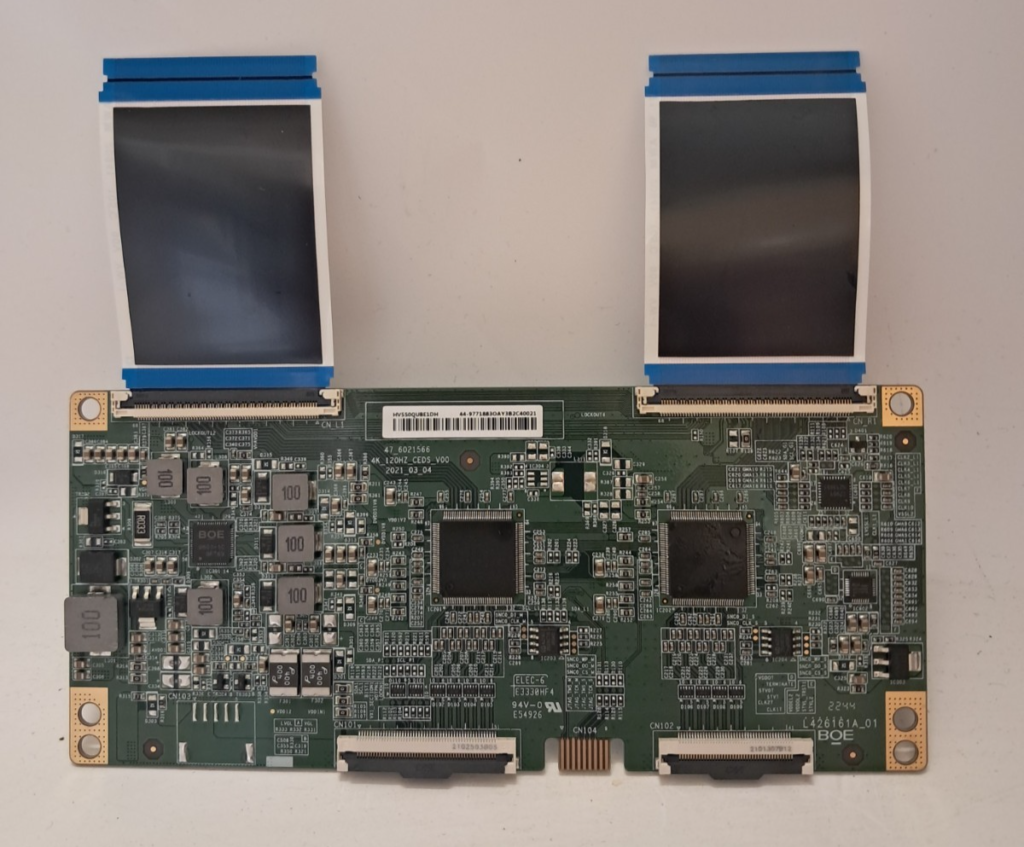
Hisense 55U7HQTUK T-Con Board 47-6021566 4K_120HZ_CEDS _V00 – TV TCON / Logic Board
€15.00 -
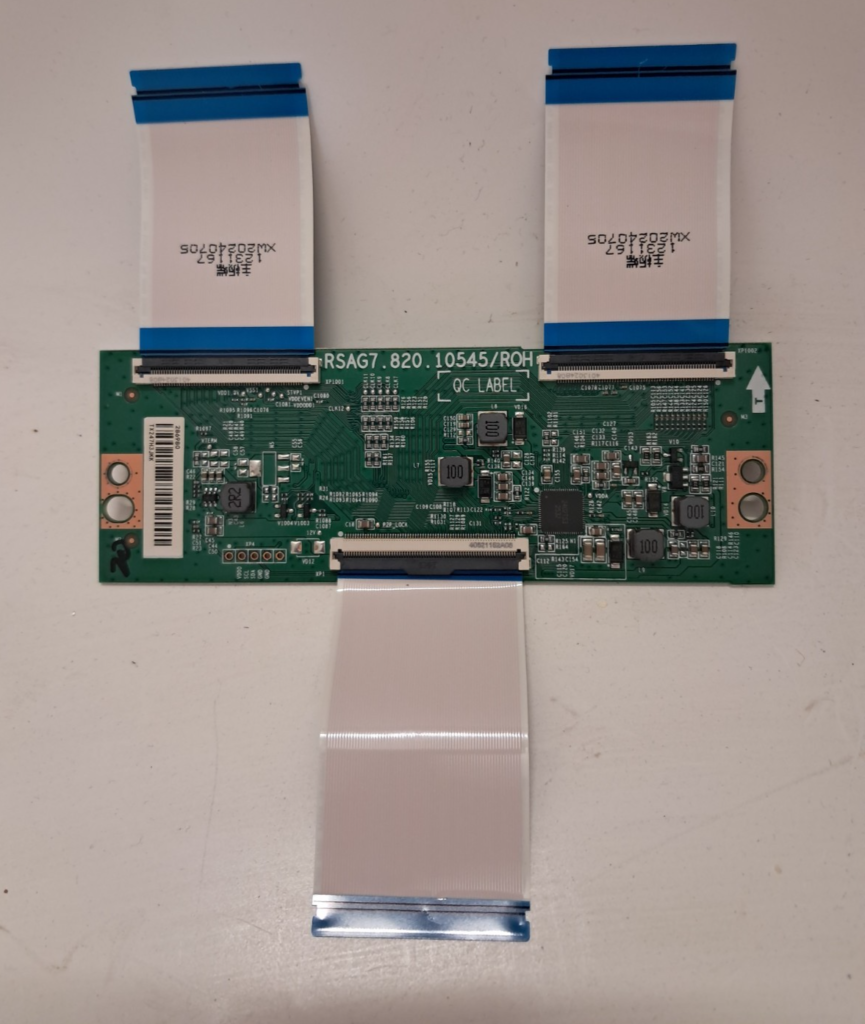
Hisense 55A6NTUK T-Con Board RSAG7.820.10545/ROH – TV TCON / Logic Board
€18.00 -
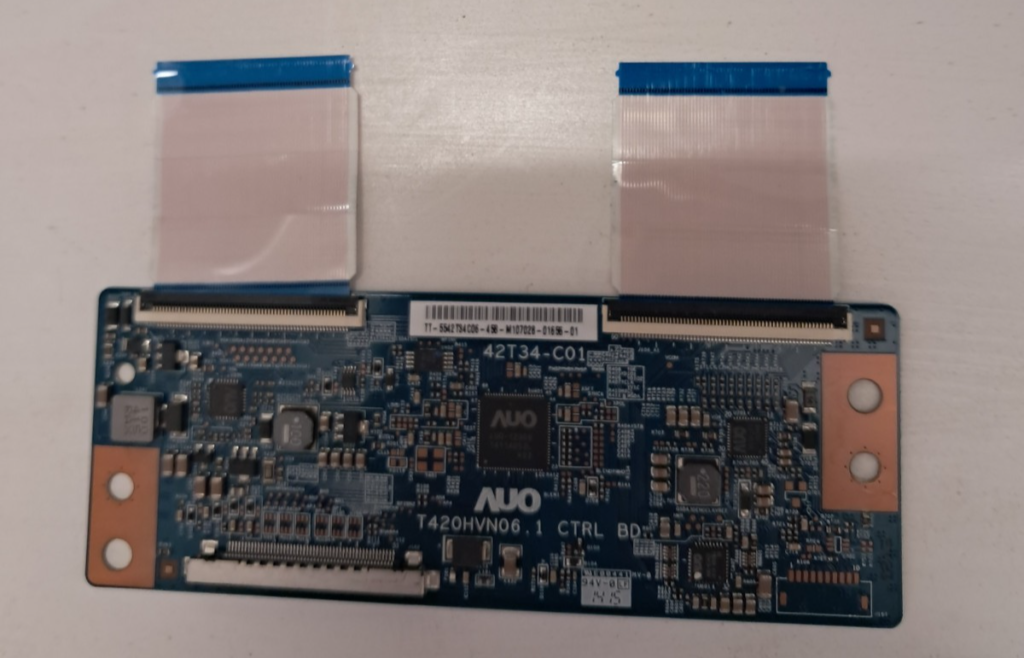
LG 42LB561V-ZC T-Con Board 42T34-C01 – TV TCON / Logic Board
€30.00 -
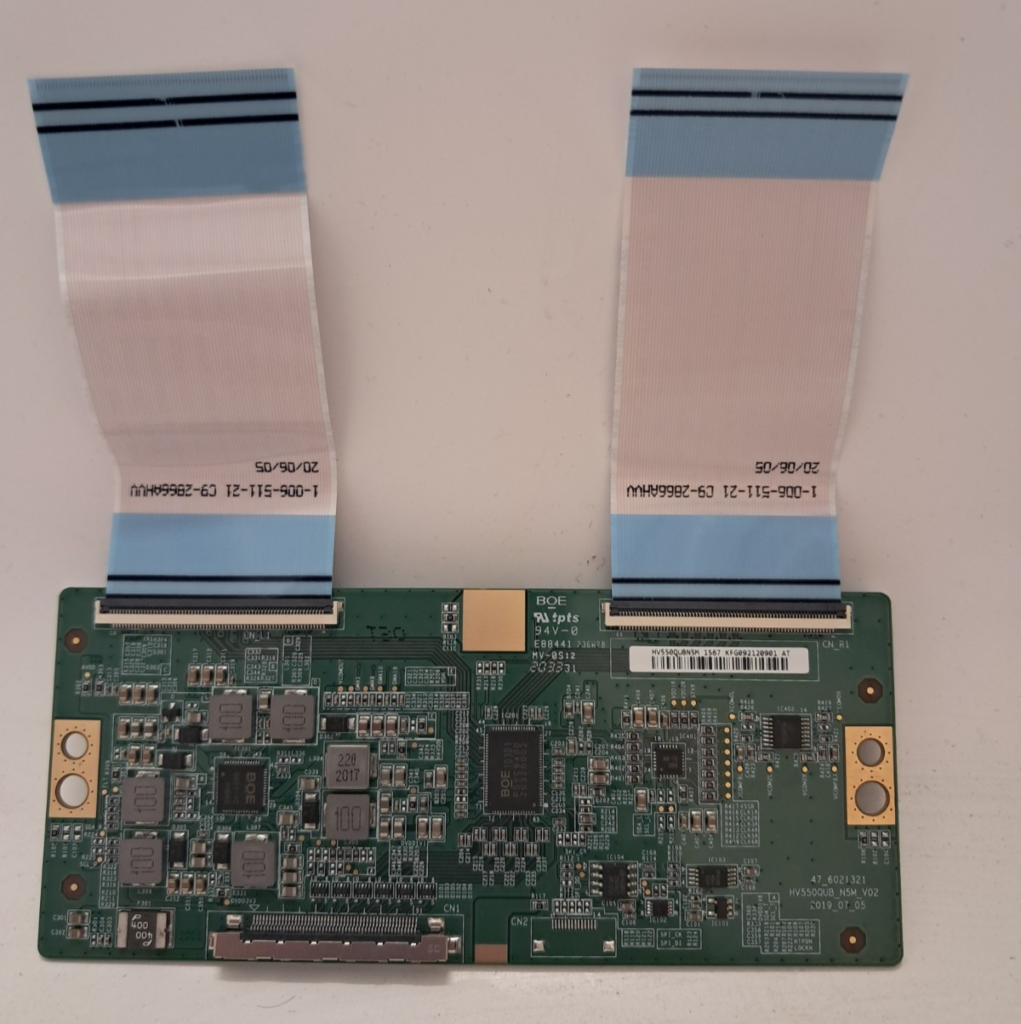
Sony KD-55XH8196 T-Con Board 47-6021321 HV550QUB_N5M_V02 – TV TCON / Logic Board
€30.00
LED driver and inverter boards
-
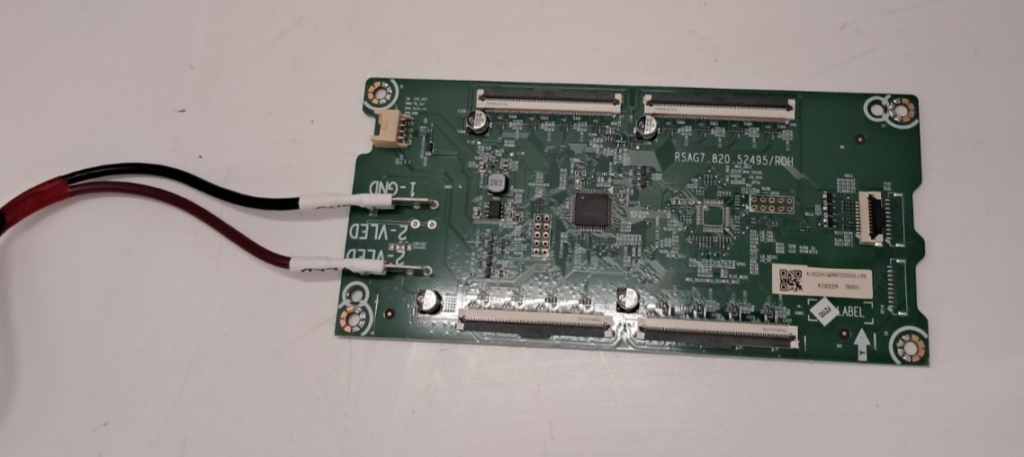
Hisense 65U7QTUK PRO LED Driver Board RSAG7.820.52495/ROH – TV LED Driver
€25.00 -
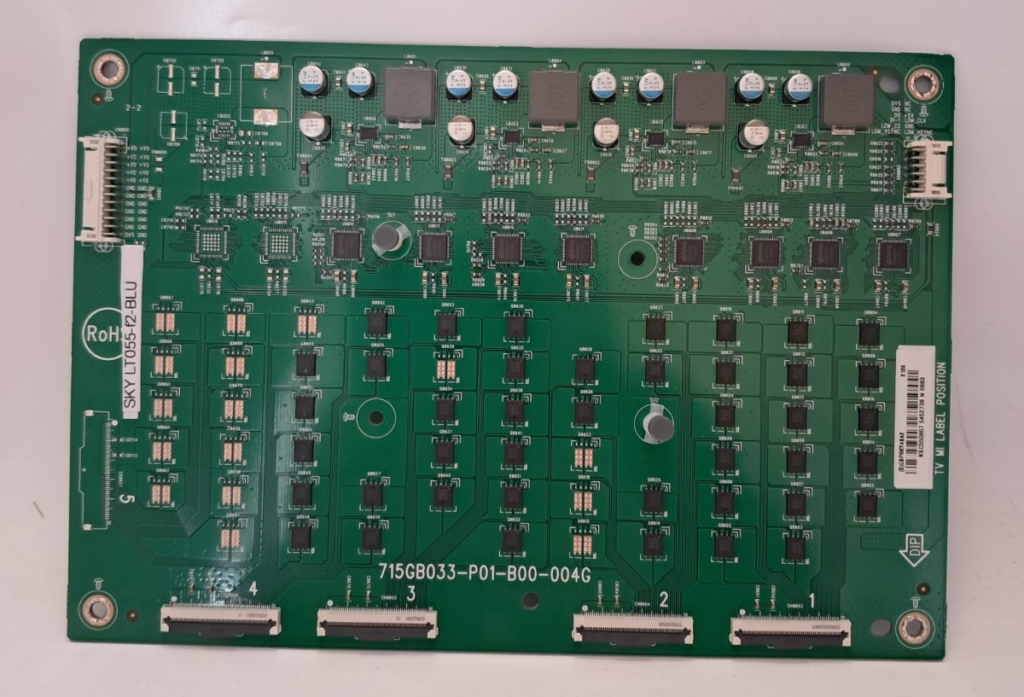
Sky LT055-f2-BLU LED Driver Board 715GB033-P01-B00-004G – TV LED Driver
€25.00 -
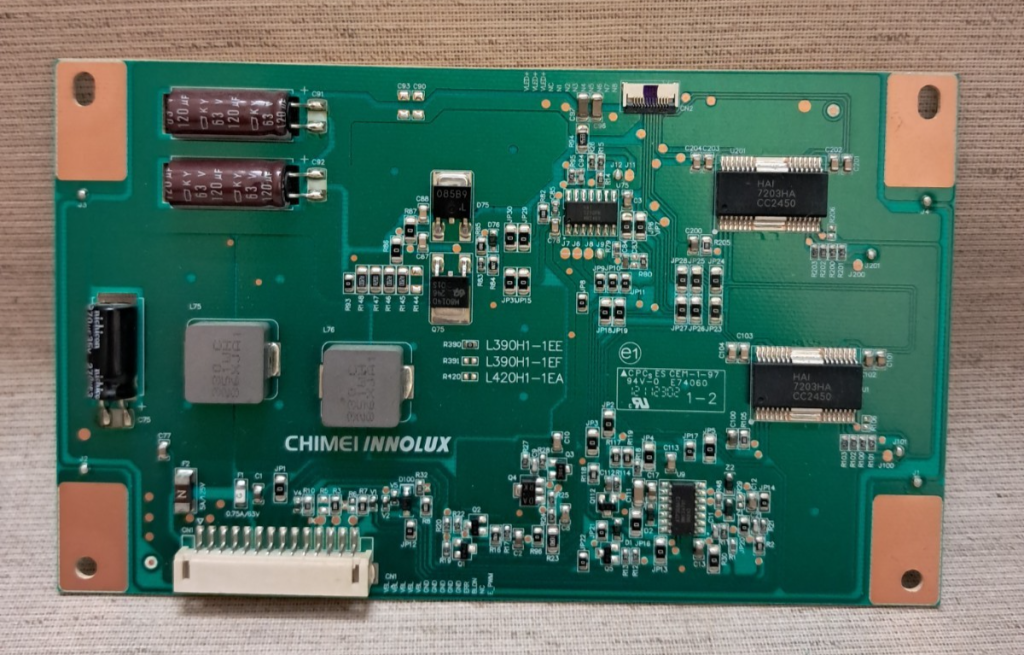
Panasonic TX-L39E6B Inverter Board L390H1-1EK-C111A – TV Inverter Board
€10.00 -
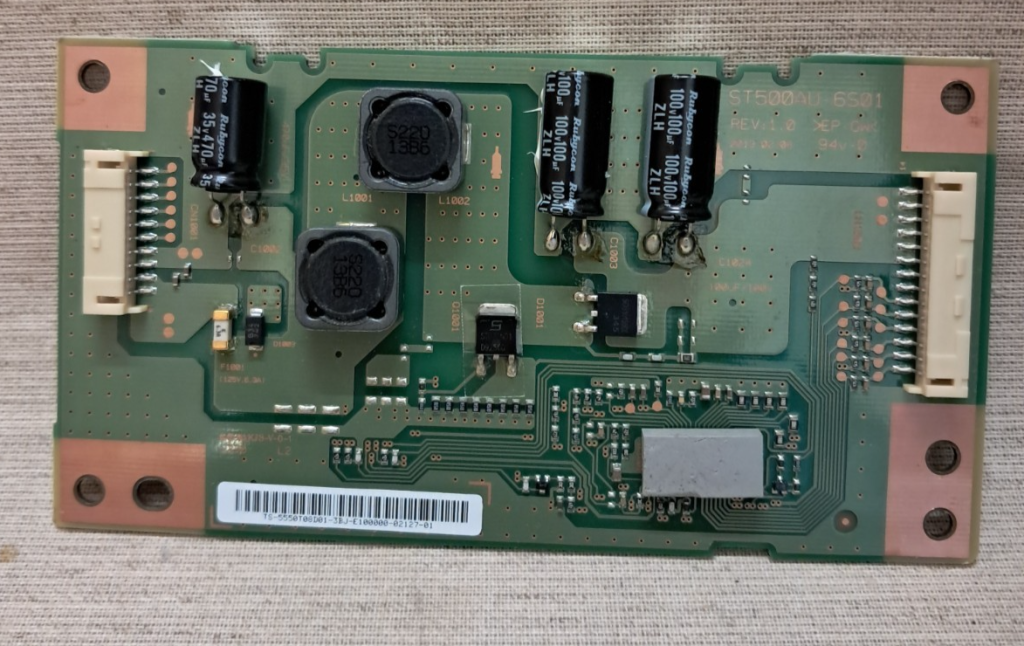
Sony KDL-50W656A Inverter Board ST500AU-6S01 – TV Inverter Board
€10.00