Hisense TV Won’t Turn On, Standby Light Blinking – Backlight or Main Board?
Your Hisense TV will not turn on, and all it does is blink the standby light. It looks like a dead main board — but on Hisense LED TVs the cause is very often the LED backlight. This guide explains why, and how to check before you spend money on the wrong part.
The Symptom
- The standby light blinks when you try to turn the TV on
- No picture, no sound, no backlight — the TV never fully starts
- Sometimes the screen flickers on for a moment and shuts off again
- Sometimes you hear a click and the TV drops back to standby
We see this pattern a lot on popular Hisense models such as the 43A6 series (43A6BG, 43A6BGTUK) with RSAG7.820 main boards, but it happens across the range.
Why a Failed LED Stops the Whole TV
Every time the TV powers on, the backlight driver checks the LED strings. If one LED has burnt out (open circuit) or shorted, the current in that string is wrong. To protect the rest of the electronics, the TV stops the start-up and returns to standby, blinking the light.
To the owner it looks like the main board or power supply is dead. In many cases both are fine, and the real fault is one or two LEDs on a strip. LED failure is normal wear on these sets after a few years, especially if the backlight was run at high brightness.
How to Check Before Buying Parts
1. Torch test
Darken the room, try to turn the TV on, and shine a torch at a shallow angle onto the screen. If you can make out a faint picture or menu, the main board and panel are working and the backlight is the problem. If the TV shuts down too quickly to see anything, use the next checks.
2. Disconnect the backlight
Unplug the LED connector (and the panel cable) and try powering on again. Then compare:
- The TV now behaves differently (stays on, or you get sound) — the LED strips are the strongest suspect.
- Exactly the same symptom with the backlight and panel cable disconnected — the fault is on the board itself, not the LEDs.
3. Inspect the strips
With the panel opened, look along each strip. A burnt LED often has a black or brown spot on the lens or a scorch mark next to it. An LED tester will confirm which LEDs are dead.
When It Really Is the Board
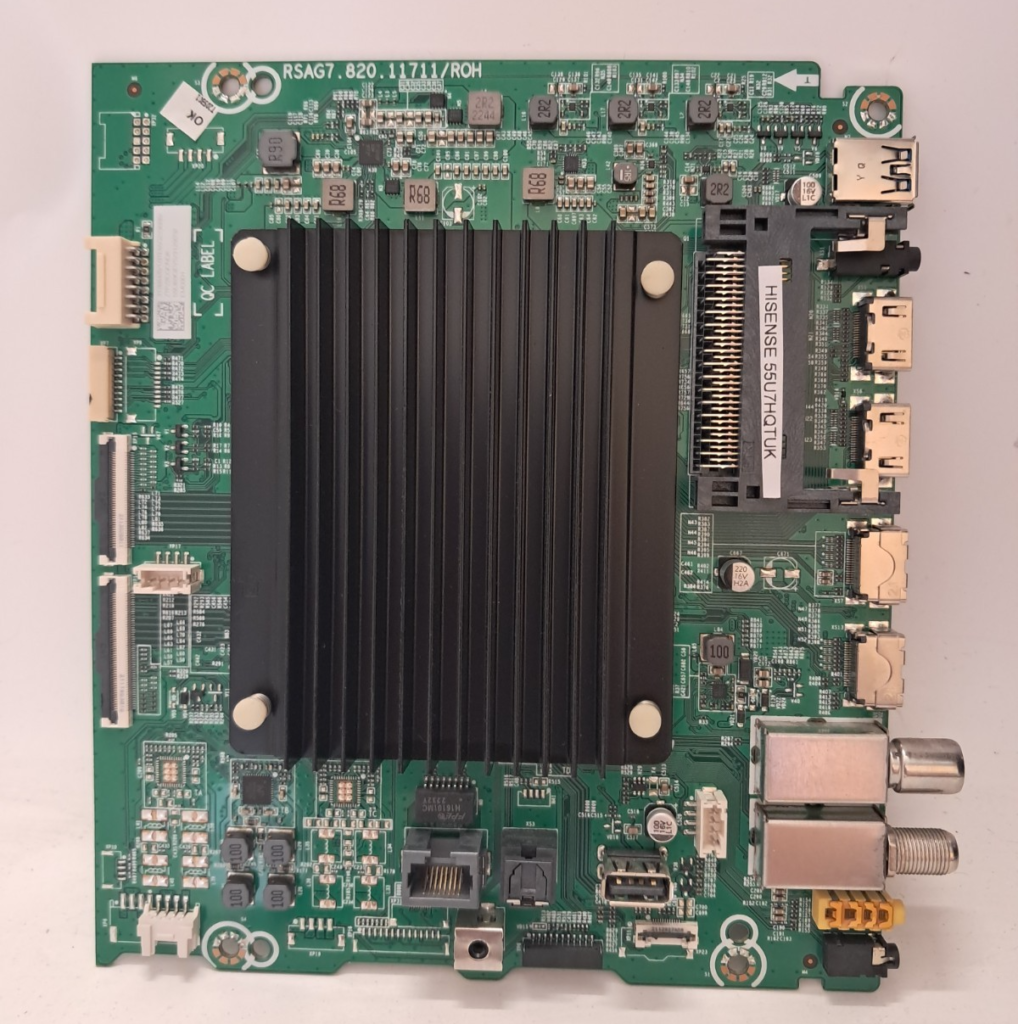
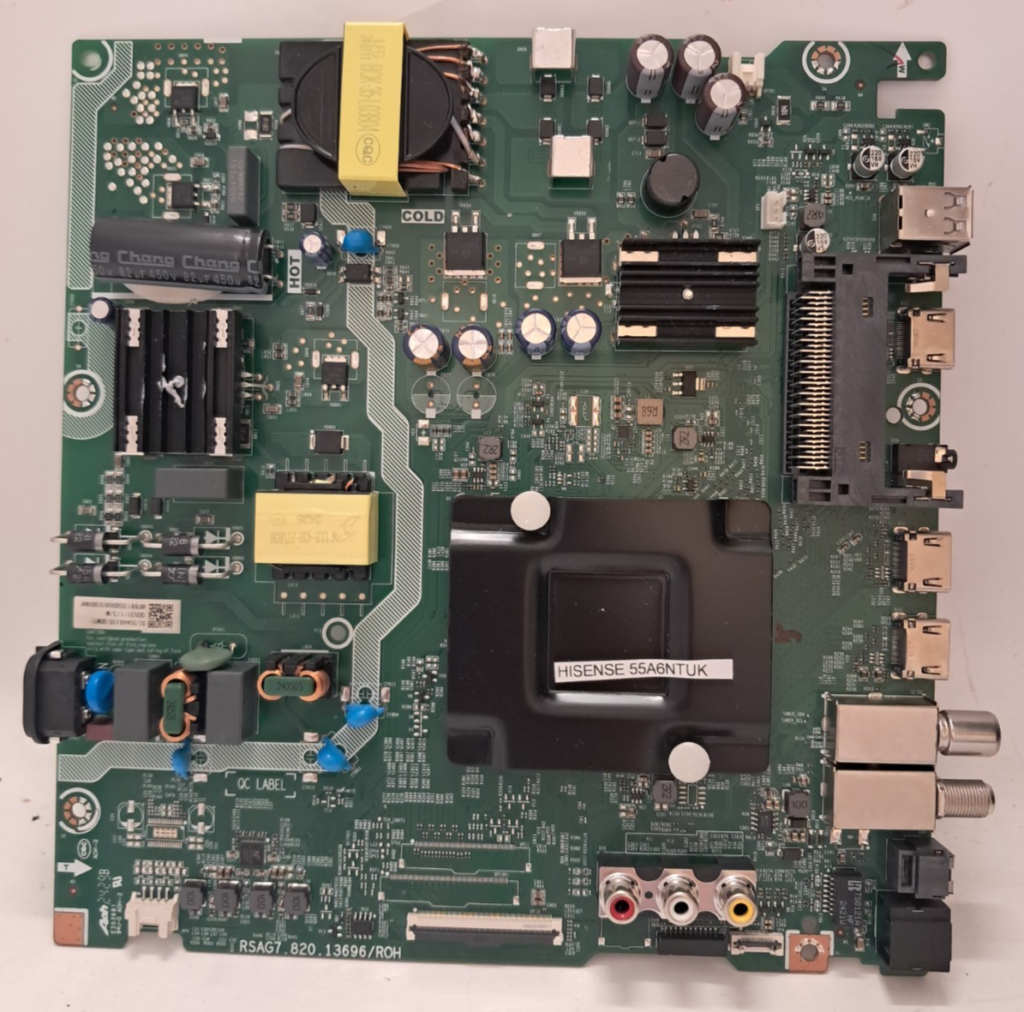
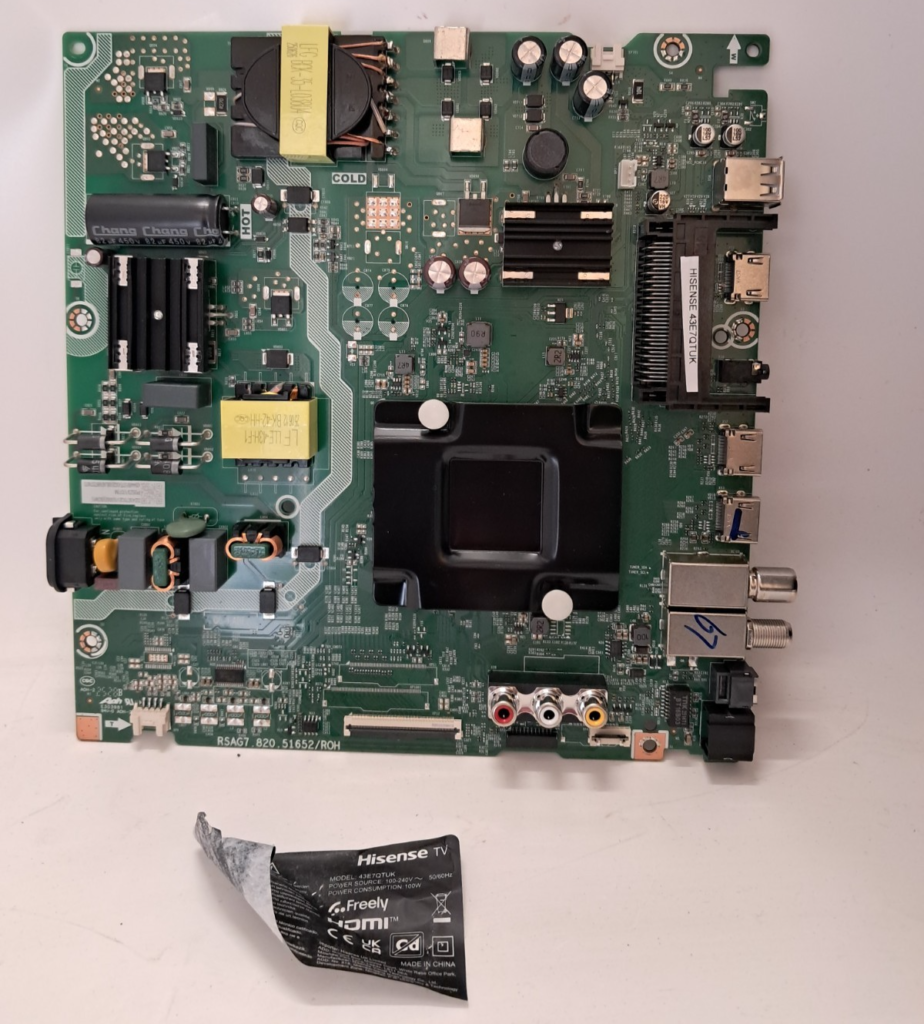
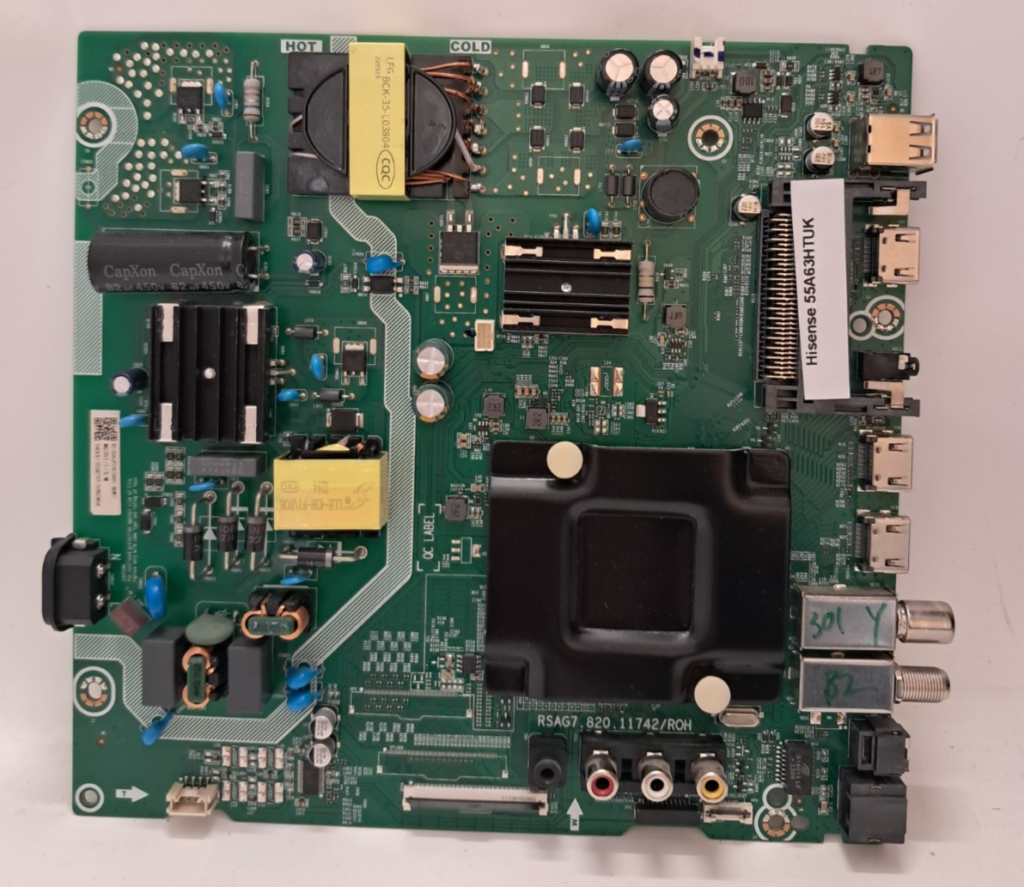
On smaller Hisense models, including the 43A6 series, there is no separate power board — the power supply is built onto the main board. So if the backlight is ruled out, a power-section fault on the main board is the next suspect.
A real example from one of our customers: his 43″ Hisense flashed red once and switched off. With the backlight and LVDS cable disconnected the symptom did not change. A thermal camera then showed a small IC in the power section of the main board heating up the moment he pressed power. In that case the main board was the right part to replace.
The Fix
- Replace the failed LEDs — cheapest, needs soldering skills and a tester.
- Replace the full set of strips — more reliable, because the remaining LEDs are the same age.
- Replace the main board — only once the backlight has been ruled out.
Ordering a Main Board
Hisense boards with different numbers in the same RSAG7.820 family are often revisions for the same model, but the software and panel setting must match your TV. Always check the number on the sticker of your old board and your TV model before ordering. Our guide on how to find the correct TV board part number explains what to look for.
Hisense parts for this repair – tested and in stock
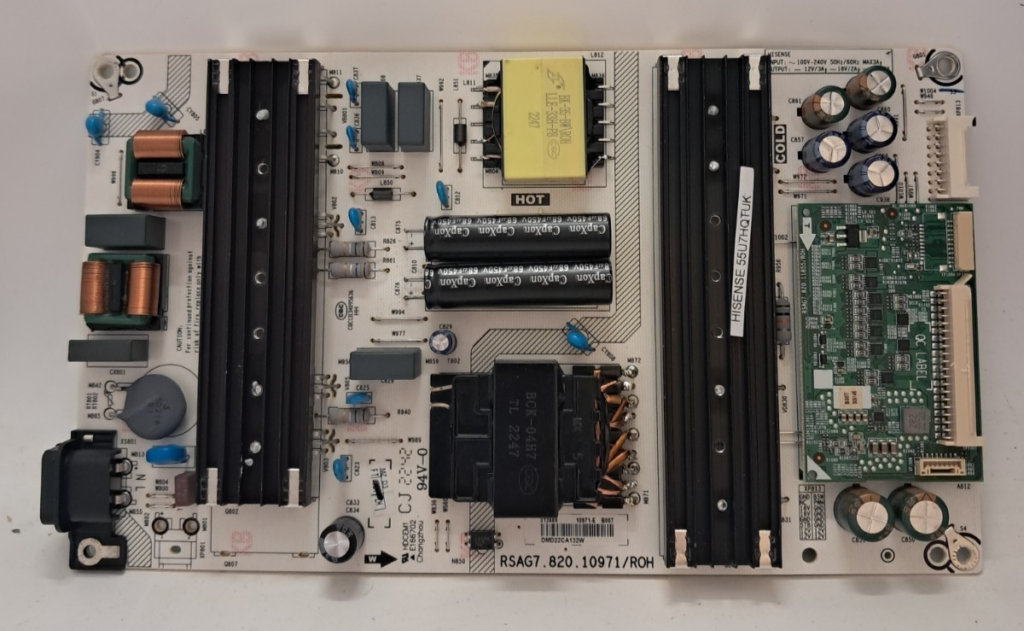
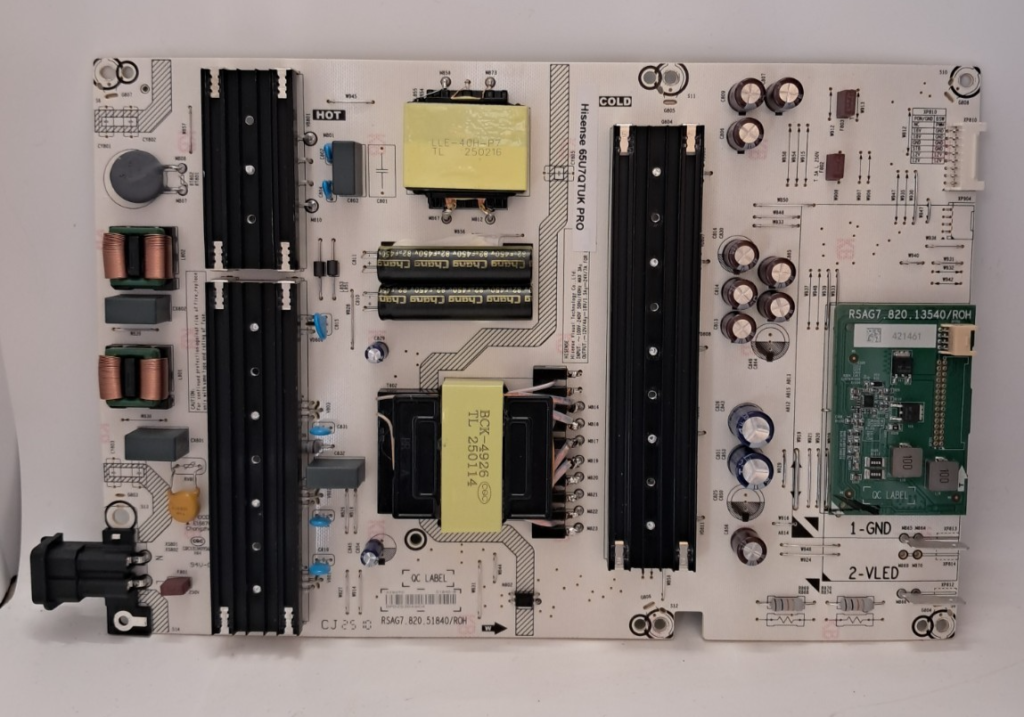
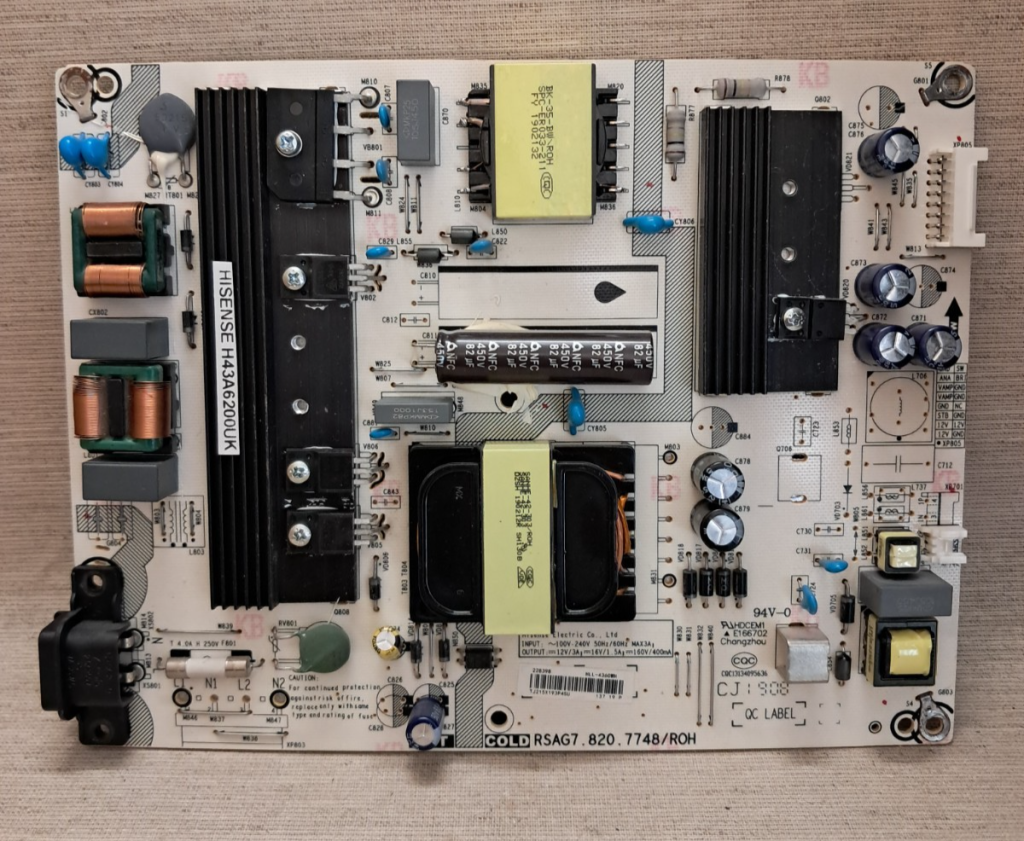
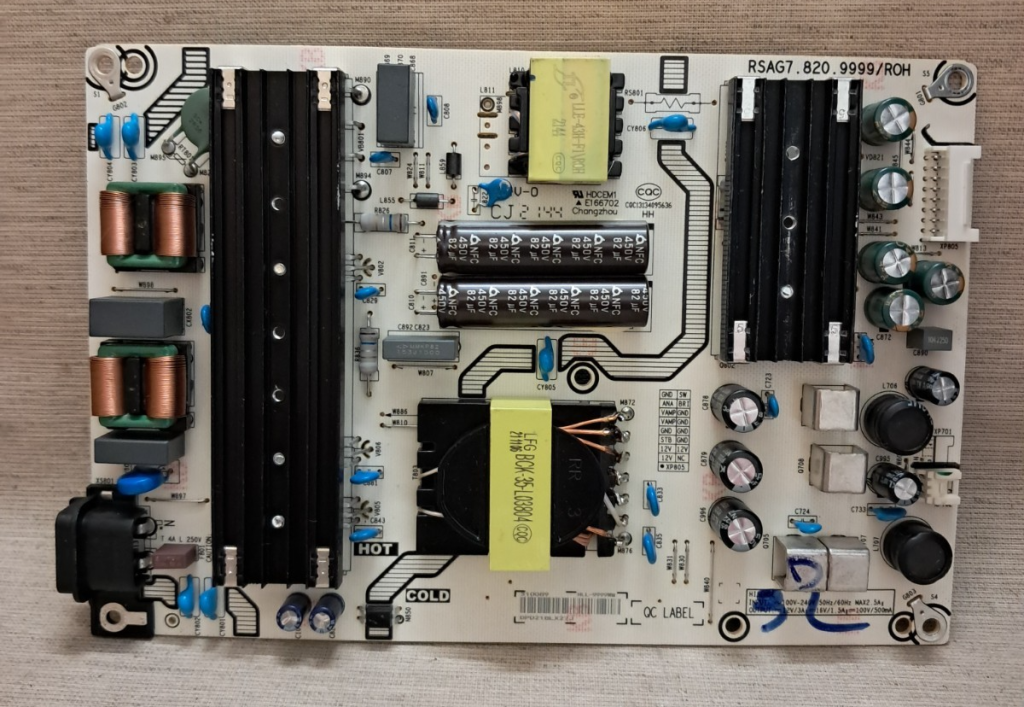
Every part below was tested in a working TV and comes with a 30-day working warranty.
Hisense power supply boards
See all Hisense power supply boards →