Samsung TV Red Light Blinking – What It Means and How to Fix It
A Samsung TV with a blinking red standby light that will not turn on is one of the most common faults we see. This guide explains what the blinking light can and cannot tell you, the faults that usually cause it, and how to narrow it down before you buy any parts.
What the Red Light Normally Does
- Solid red while the TV is off — normal standby. The TV has power and is waiting for the remote.
- Light goes out when the TV turns on — normal.
- A short flicker when you press a remote button — normal. The TV is acknowledging the remote signal.
- Repeated blinking and the TV never starts — the TV is trying to start and something is stopping it. This is the fault this guide covers.
Does Samsung Have Blink Codes?
Not officially. Unlike Sony or Panasonic, Samsung does not publish a table that links a number of blinks to a specific board. Charts online that say “2 blinks = X, 5 blinks = Y” are guesses collected from forum posts, and they often contradict each other. Samsung’s own advice for a blinking light is simply to unplug the TV, try another socket, and request service if it still blinks.
So the useful question is not how many times it blinks, but how the TV behaves while it blinks. That tells you far more.
Diagnose by Behaviour
| What you see and hear | Most likely area |
|---|---|
| Red light blinks continuously, no click, nothing starts | Power supply board (main supply not starting) or main board not booting |
| Relay clicks, light blinks, TV tries again and again | Power supply board — often failing capacitors on older sets; also backlight protection on some models |
| Logo or picture appears for a second, then the screen goes dark | LED backlight strips — the power board shuts the backlight off when it detects a faulty LED string |
| Sound works, screen stays black | Backlight (most common) or T-Con / panel — see our sound but no picture guide |
| No red light at all | No standby power — socket, mains lead, fuse or power supply board |
Step 1 — Rule Out the Simple Causes
- Unplug the TV from the wall for at least 60 seconds, then plug it straight into a wall socket — not a power strip or surge protector.
- Disconnect everything else: HDMI devices, USB sticks, aerial, soundbar.
- Try the power button on the TV itself, not just the remote.
If it now starts normally, the fault was the socket, the power strip, or a connected device. If it still blinks, the fault is inside the TV.
Step 2 — The Torch Test
Turn the TV on, wait 30 seconds, darken the room and shine a torch at a shallow angle onto the screen.
- You can see a faint picture or menu — the main board and panel are working. The backlight is off: either failed LED strips or the LED driver on the power board.
- Nothing at all — the TV is not producing a picture. Look at the power board and main board first.
The torch test only works if the TV gets far enough to start. If it is stuck blinking in standby, move on to Step 3.
Step 3 — Look Inside
With the TV unplugged for at least 5 minutes, remove the back cover and check:
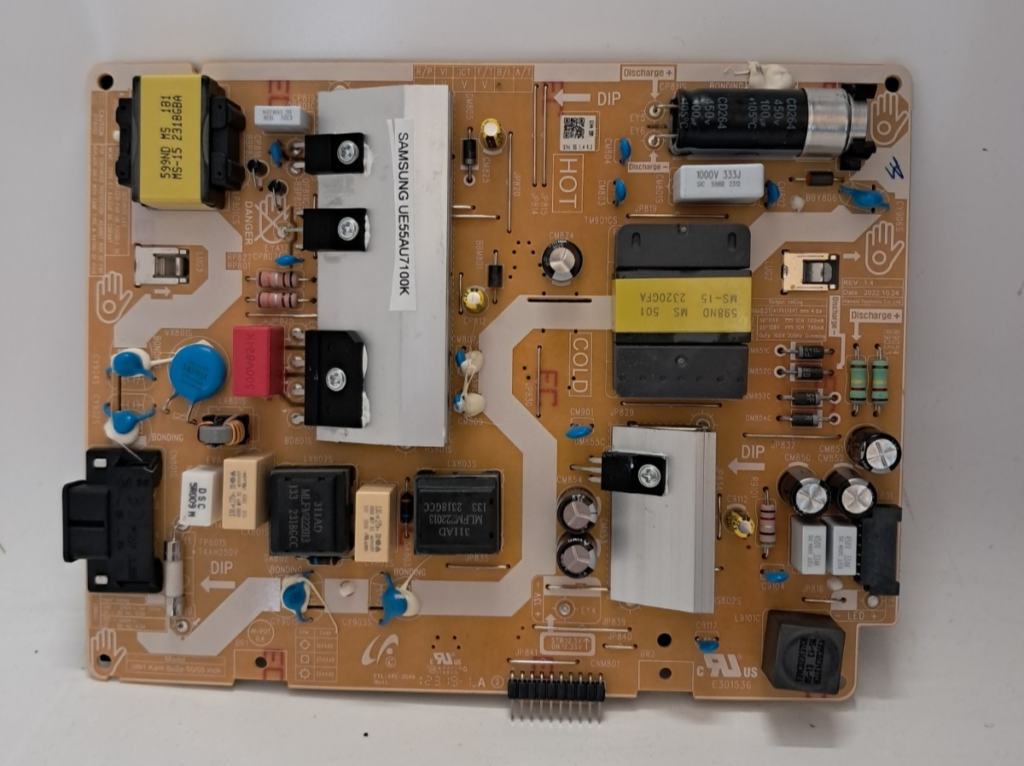
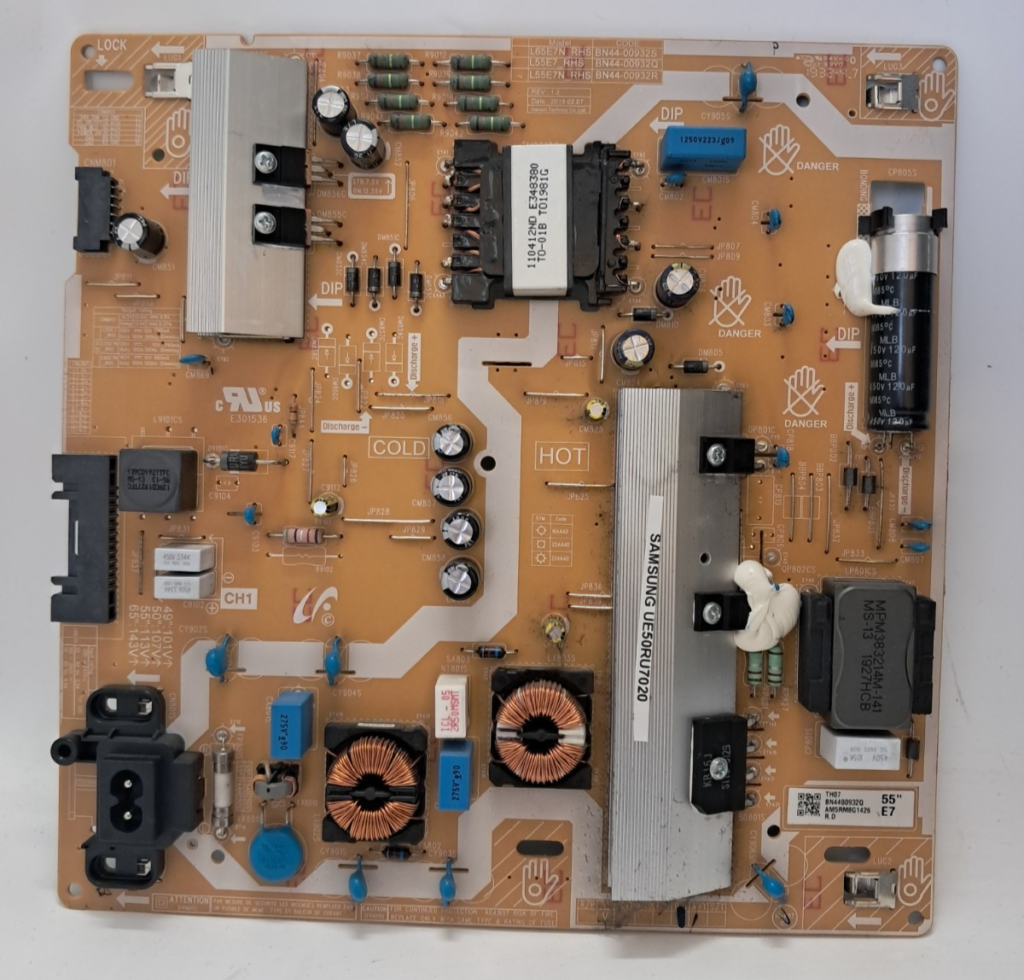
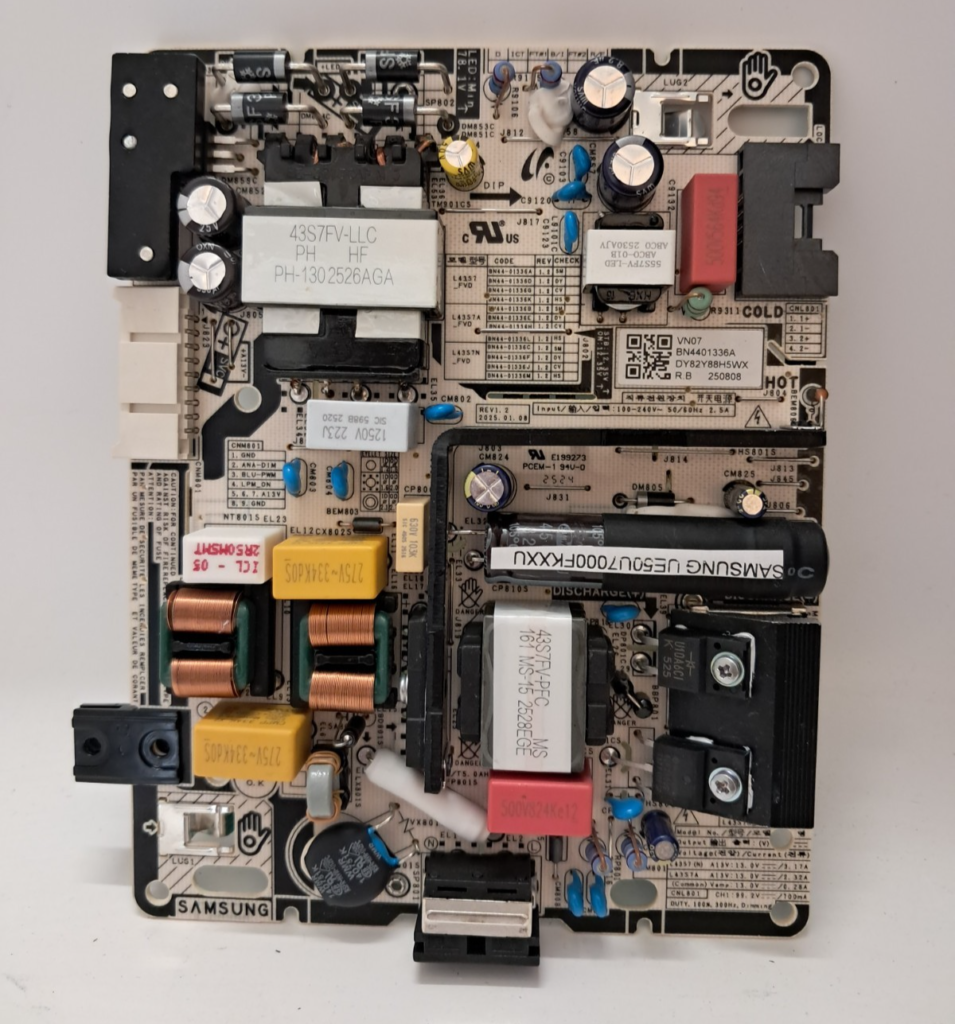
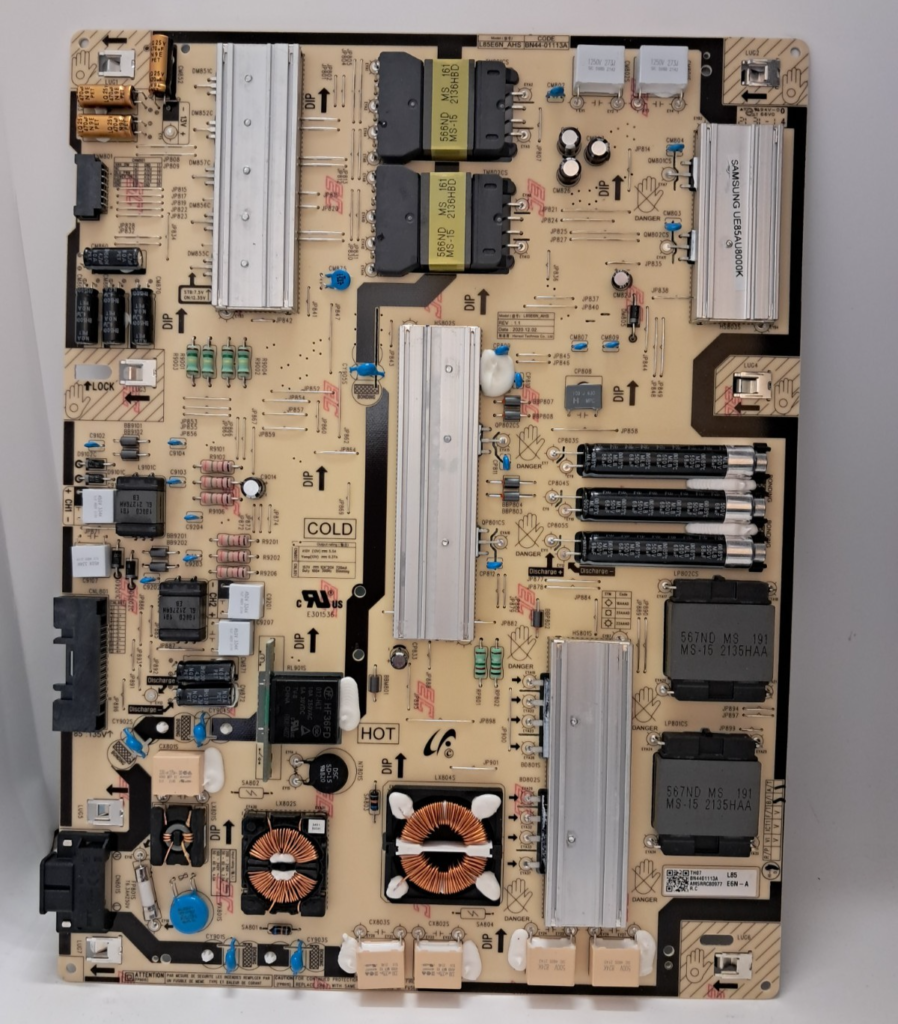
- Power board (part number usually starts BN44-) — bulging or leaking capacitors, burn marks, a blown fuse.
- Connectors — reseat every cable between the power board, main board and T-Con. A loose connector can stop the start-up sequence.
- Backlight connector — a burnt or discoloured pin on the LED connector is a strong sign the strips have failed.
A note on backlight tests: on many Samsung power boards the LED driver also shuts down if the strips are disconnected, so unplugging the LED connector is not always a conclusive test. Testing the strips with an LED tester is more reliable.
Step 4 — Firmware
If the TV starts but freezes on the logo, or restarts itself, a firmware problem is possible. Samsung firmware for your exact model is available on Samsung’s support site and can be installed from a USB stick. This only helps if the TV gets far enough to read the stick.
Which Part Do You Need?
- Power supply board — when the TV clicks, blinks and never starts, or capacitors are visibly damaged.
- LED backlight strips — when the torch test shows a picture, or the picture appears briefly then disappears.
- Main board — when the power board voltages are correct but the TV still will not boot.
Always match the part number on the sticker of your old board, not just the TV model. Samsung main boards carry two numbers — see our guide on how to find the correct TV board part number.
Samsung parts for this repair – tested and in stock
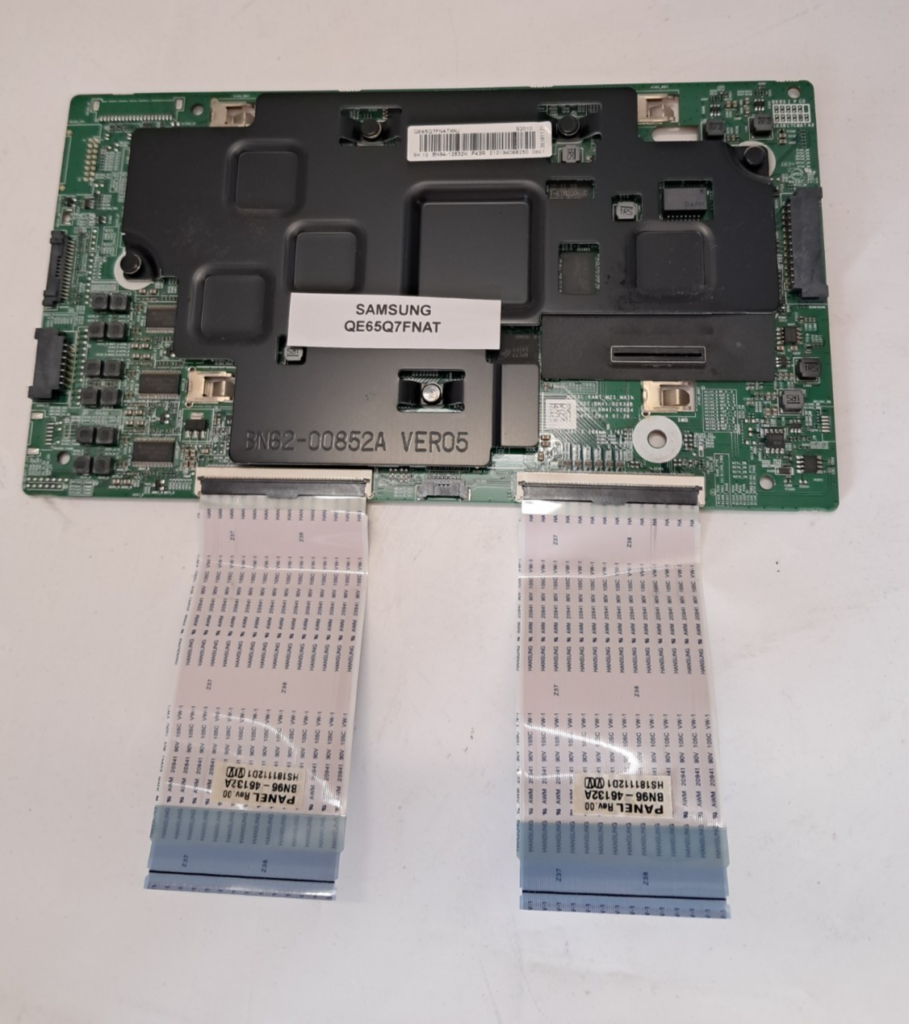
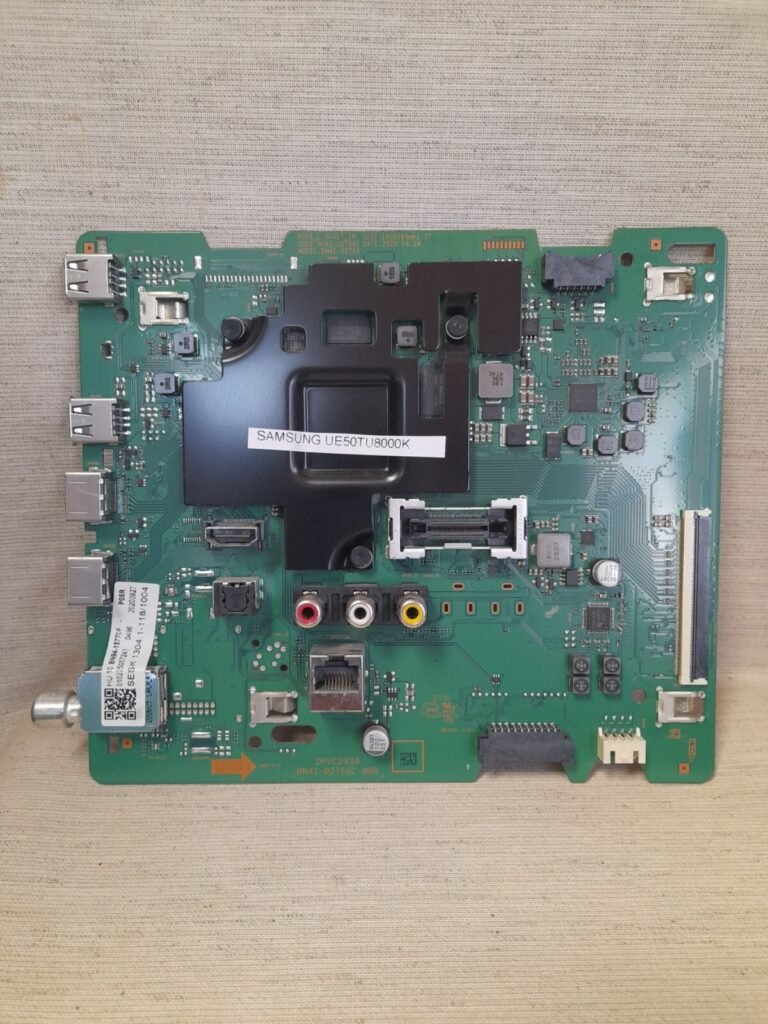
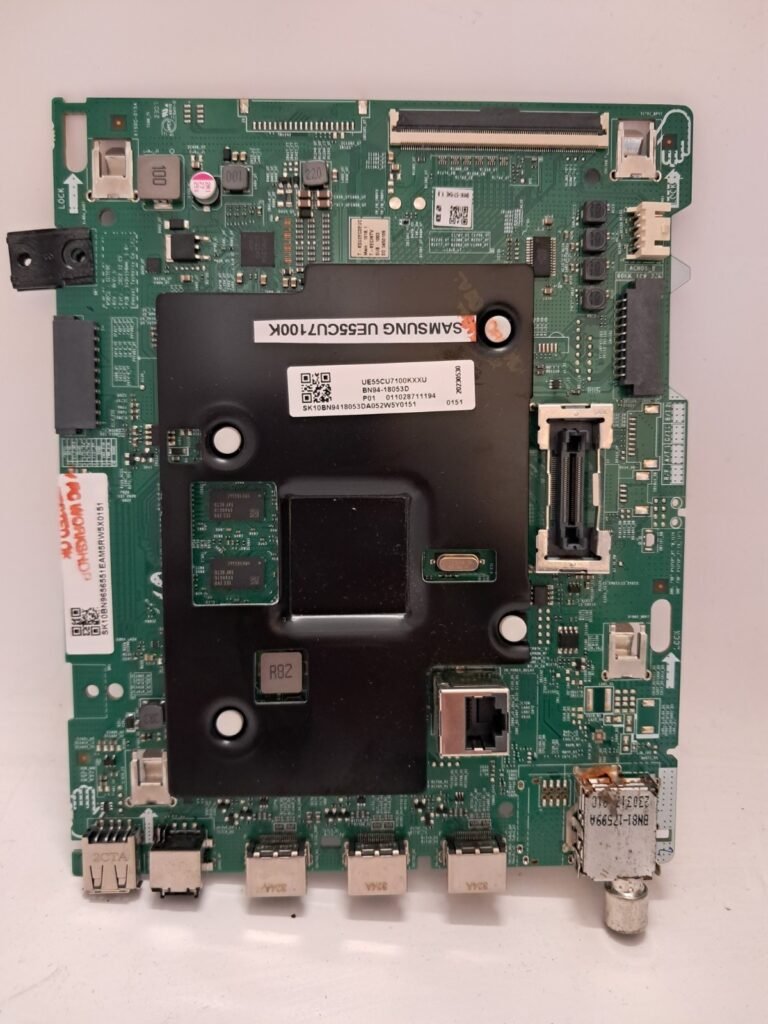
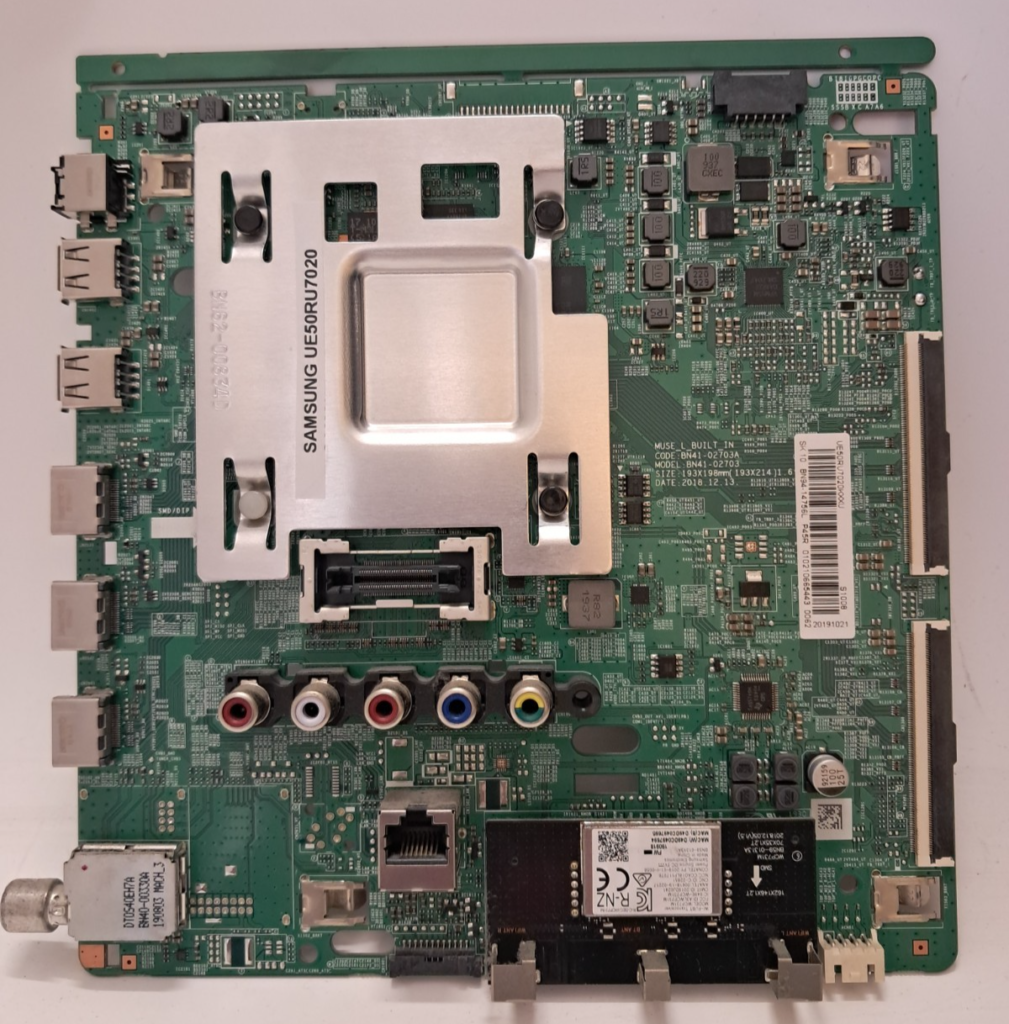
A red light that keeps blinking is most often caused by the power supply board or the main board. Every part below was tested in a working TV and comes with a 30-day working warranty.
Samsung power supply boards
See all Samsung power supply boards →