
Picture Wrong After Main Board Replacement – Panel Profile Explained
You have fitted a replacement main board, the TV starts, but the picture is wrong — shifted, split, mirrored, flickering or with strange colours. In most cases the board is not faulty. Its software is set up for a different panel. This guide explains why it happens and how it is usually fixed.
Typical Symptoms
- Picture shifted to one side, or part of the image repeated on the other side
- Screen split into halves or quarters
- Picture upside down or mirrored
- Flicker, noise or vertical bands, but menus are readable
- Wrong or washed-out colours
- Black screen with sound, where the old board gave a picture
Why It Happens
A main board sends the picture to the panel in a format the panel expects: resolution, timing, number of data channels, bit depth and orientation. These settings live in the board’s software, often called the panel profile or panel ID.
The same main board is used with many different panels. Vestel 17MB boards, for example, are fitted to dozens of models from Bush, Toshiba, Hitachi, JVC and other brands, each with its own panel. If the replacement board came from a TV with a different panel, the board works perfectly but drives your panel with the wrong settings.
Prevention: Match More Than the Board Number
When ordering, match the sticker number on the old board, not only the printed board type, and check the panel model on the sticker on the back of the panel. See how to find the correct TV board part number.
How It Is Usually Fixed
1. Select the right panel in the service menu
Many boards let you choose the panel type or model option in the service (factory) menu. Examples:
- Vestel-made TVs — panel type and option settings in the service menu.
- LG — “Tool Option” values in the service menu; these must match the original model.
- Hisense — panel selection in the factory menu on many models.
- Samsung — model and panel options in the service menu.
Write down every value before you change anything. A wrong setting can leave the TV with no picture at all, which makes it harder to get back into the menu.
2. Copy the settings from the old board
If the old board still starts — even if it has another fault — its settings can sometimes be saved to a USB stick from the service menu and loaded onto the new board. This is often the cleanest fix, because the old board was set up for exactly your panel.
A real example from one of our customers: he fitted a Vestel 17MB130S board to his Bush TV and got a shifted picture. He saved the panel profile files from his old board to USB through the service menu, loaded them onto the new board, and the picture was perfect.
3. Load the correct software
If the settings cannot be changed or copied, the board needs software for your panel. Manufacturers rarely publish this software, and for Vestel it has become hard to find publicly in recent years. A repair shop with the right files and a programmer may be able to help.
4. Mirrored or upside-down picture
This is usually a single “mirror” or “flip” option in the service menu, and is the easiest of these faults to fix.
Replacement main boards – tested and in stock
Every part below was tested in a working TV and comes with a 30-day working warranty. Match the part number printed on your old board before ordering.
Main boards
-
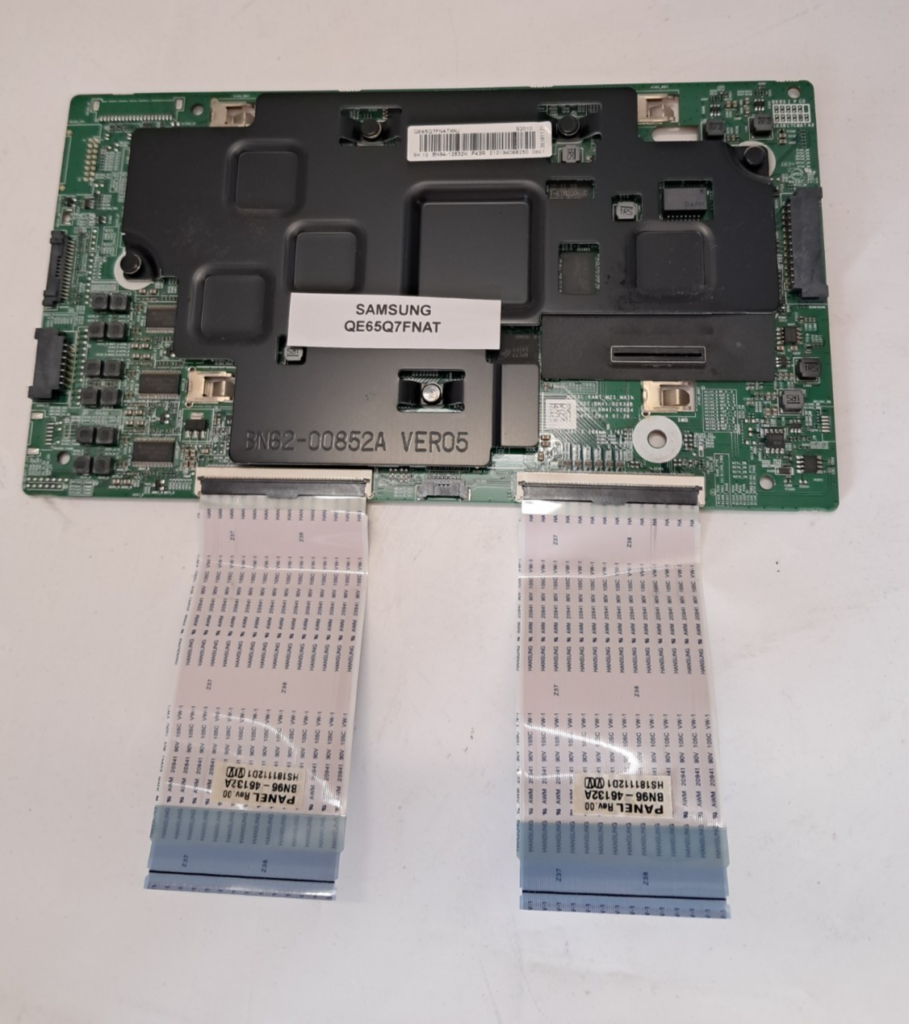
Samsung QE65Q7FNAT Main Board BN41-02634B – TV Mainboard
€70.00 -
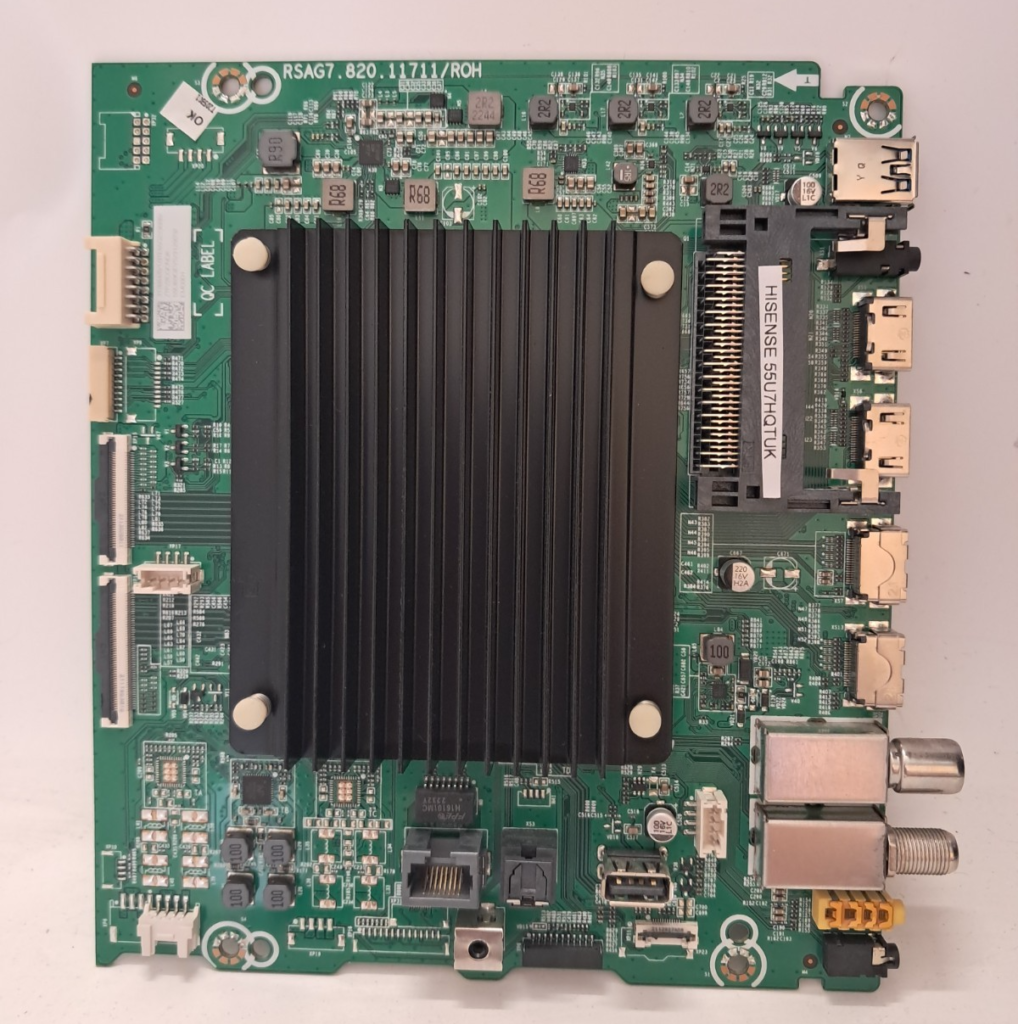
Hisense 55U7HQTUK Main Board RSAG7.820.11711/ROH – TV Mainboard
€20.00 -
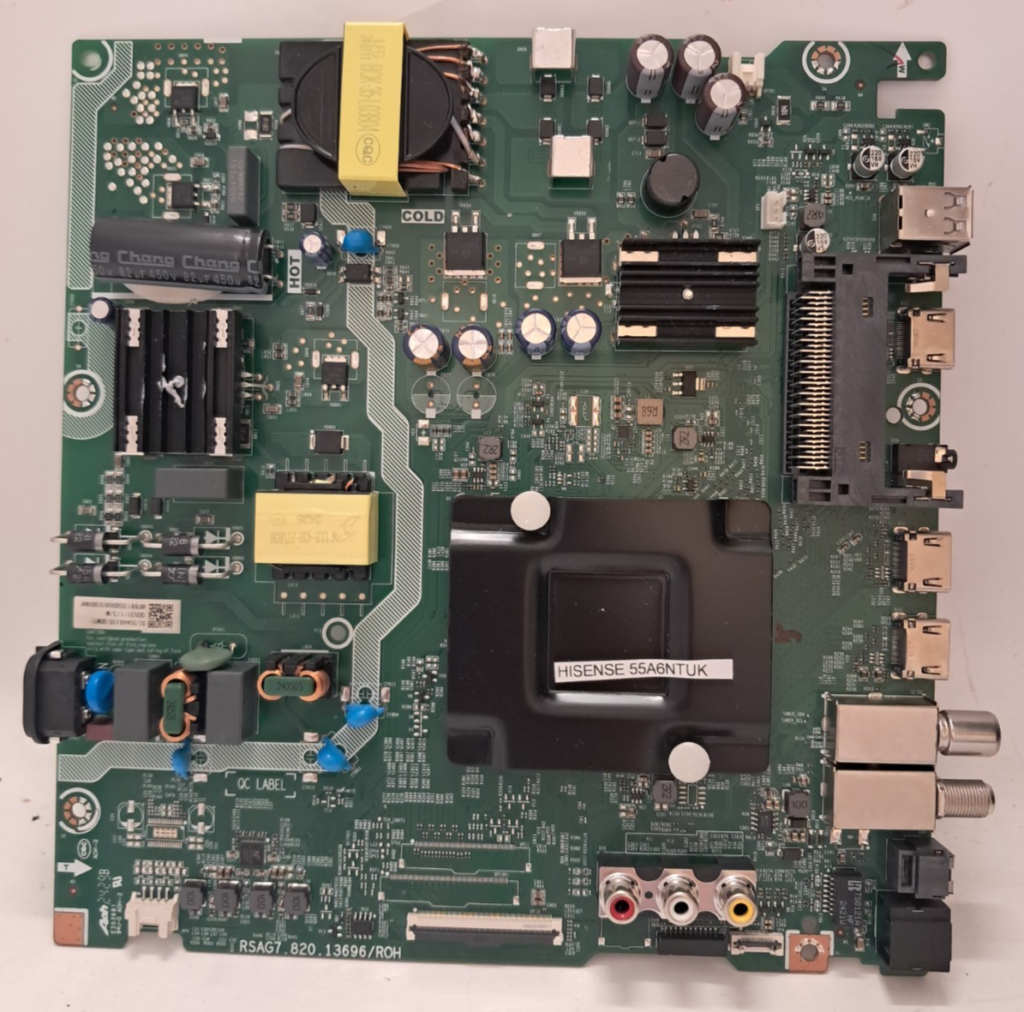
Hisense 55A6NTUK Main Board RSAG7.820.13696/ROH – TV Mainboard
€35.00 -
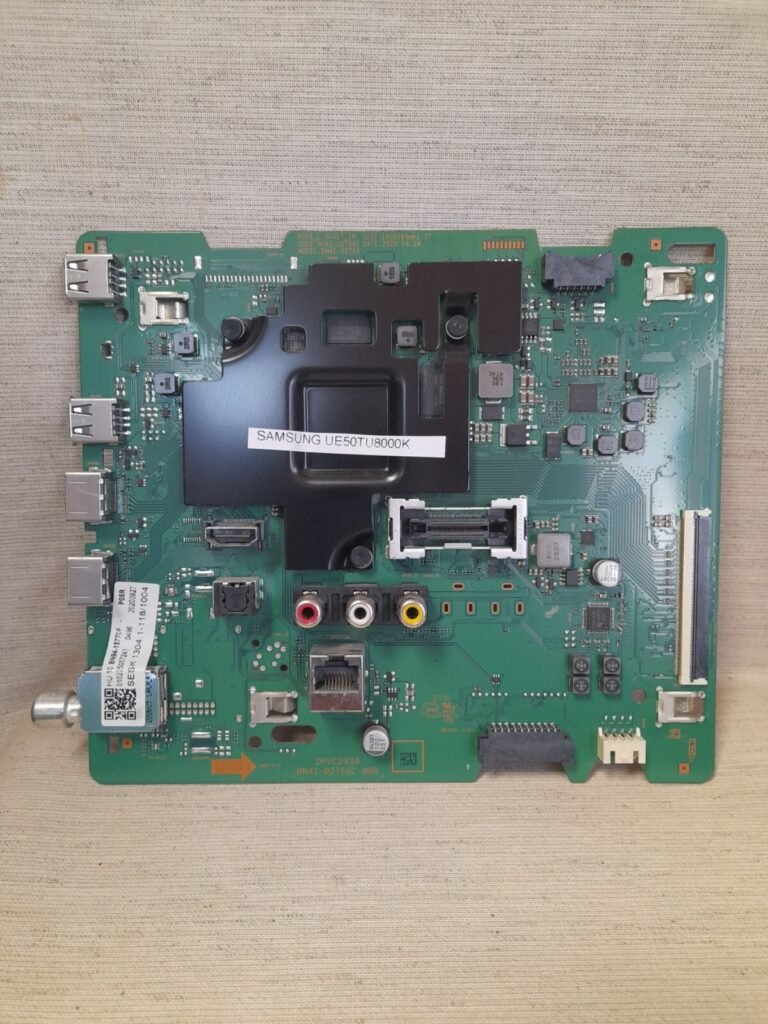
Samsung UE50TU8000K Main Board BN41-02756C – TV Mainboard
€16.00 -
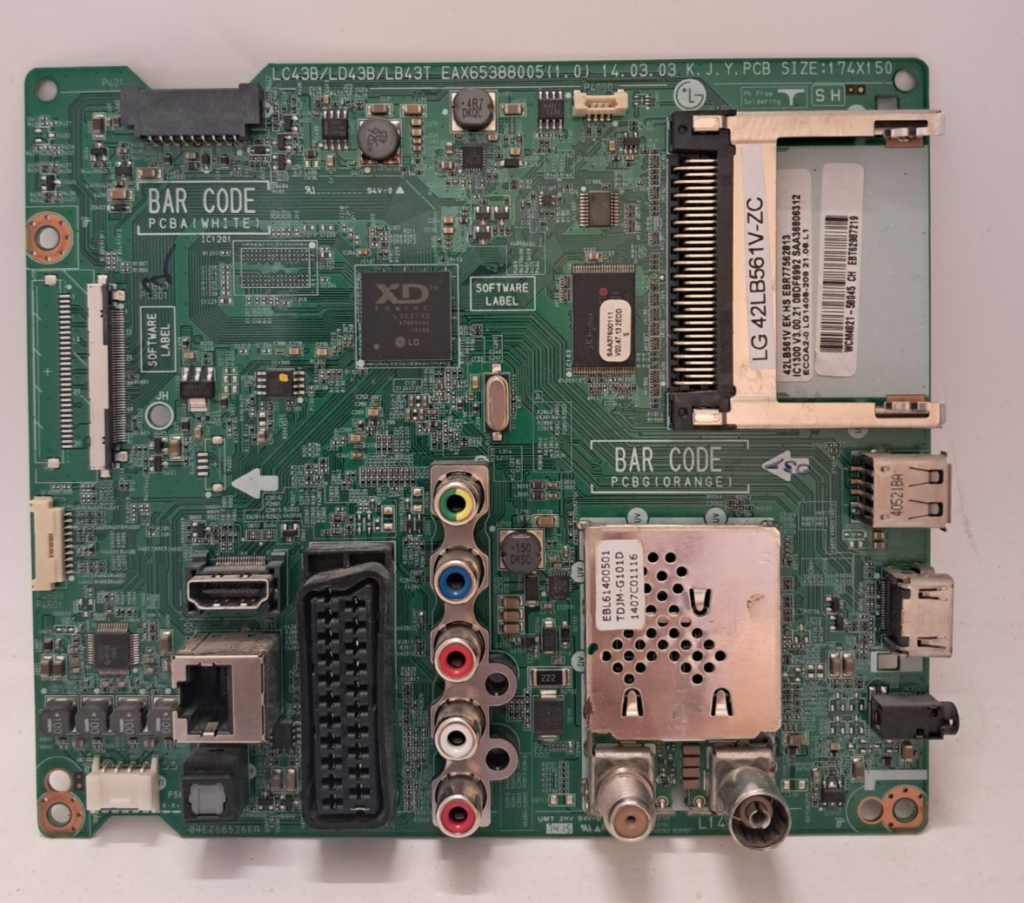
LG 42LB561V-ZC Main Board EAX65388005(1.0) – TV Mainboard
€25.00 -
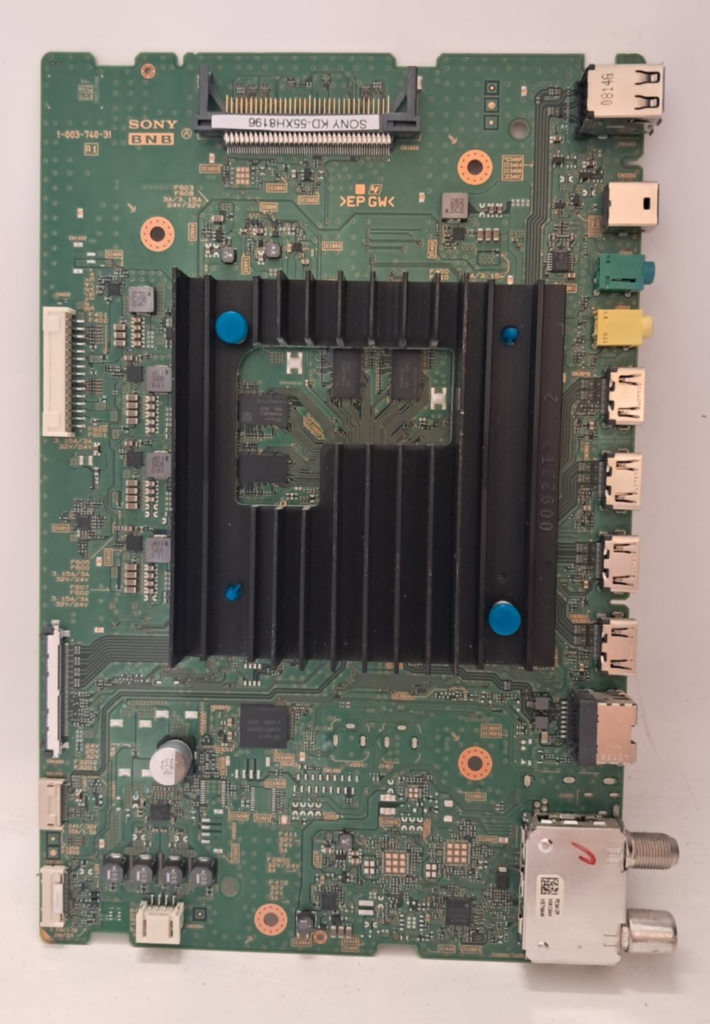
Sony KD-55XH8196 Main Board 1-003-740-31 – TV Mainboard
€60.00 -
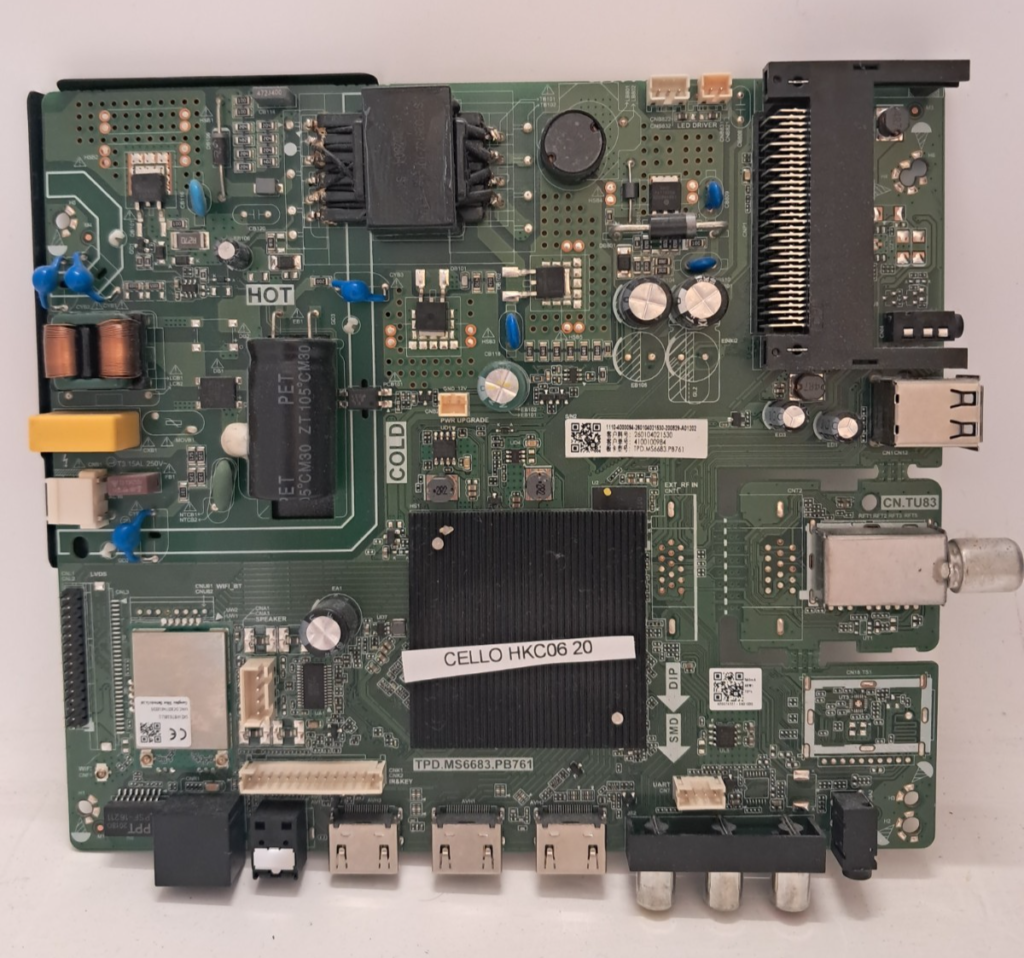
Cello HKC06 20 Main Board TPD.MS6683.PB761 – TV Mainboard
€30.00 -
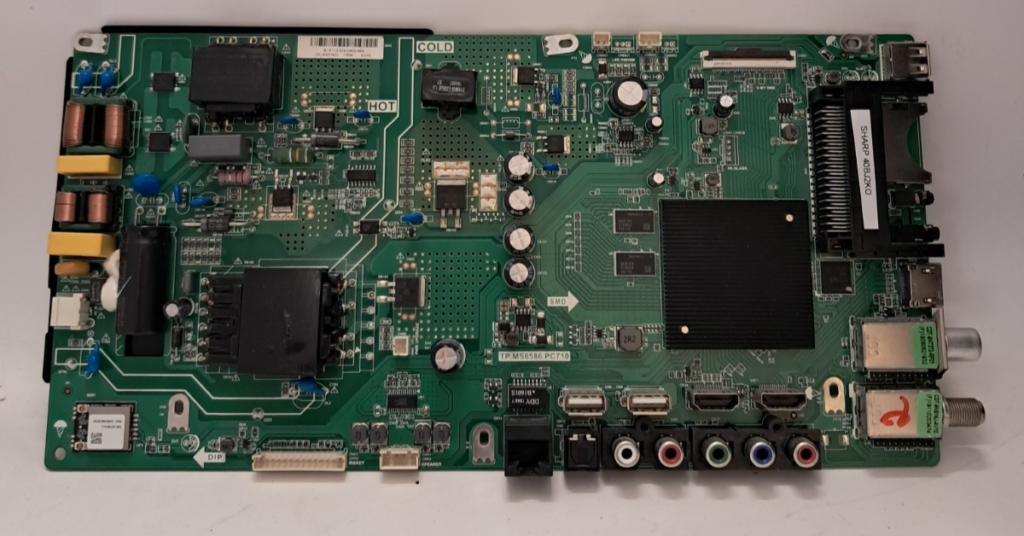
Sharp 40BJ2KO Main Board TP.MS6586.PC710 – TV Mainboard
€45.00